Google Gemini 4 Argon Arrives in AI Mode: What It Means for Search and SEO
Google expanded Gemini 4 Argon access in October 2026, including AI Mode in Search for eligible subscribers. Here's what it means for SEO and business websites.
Read article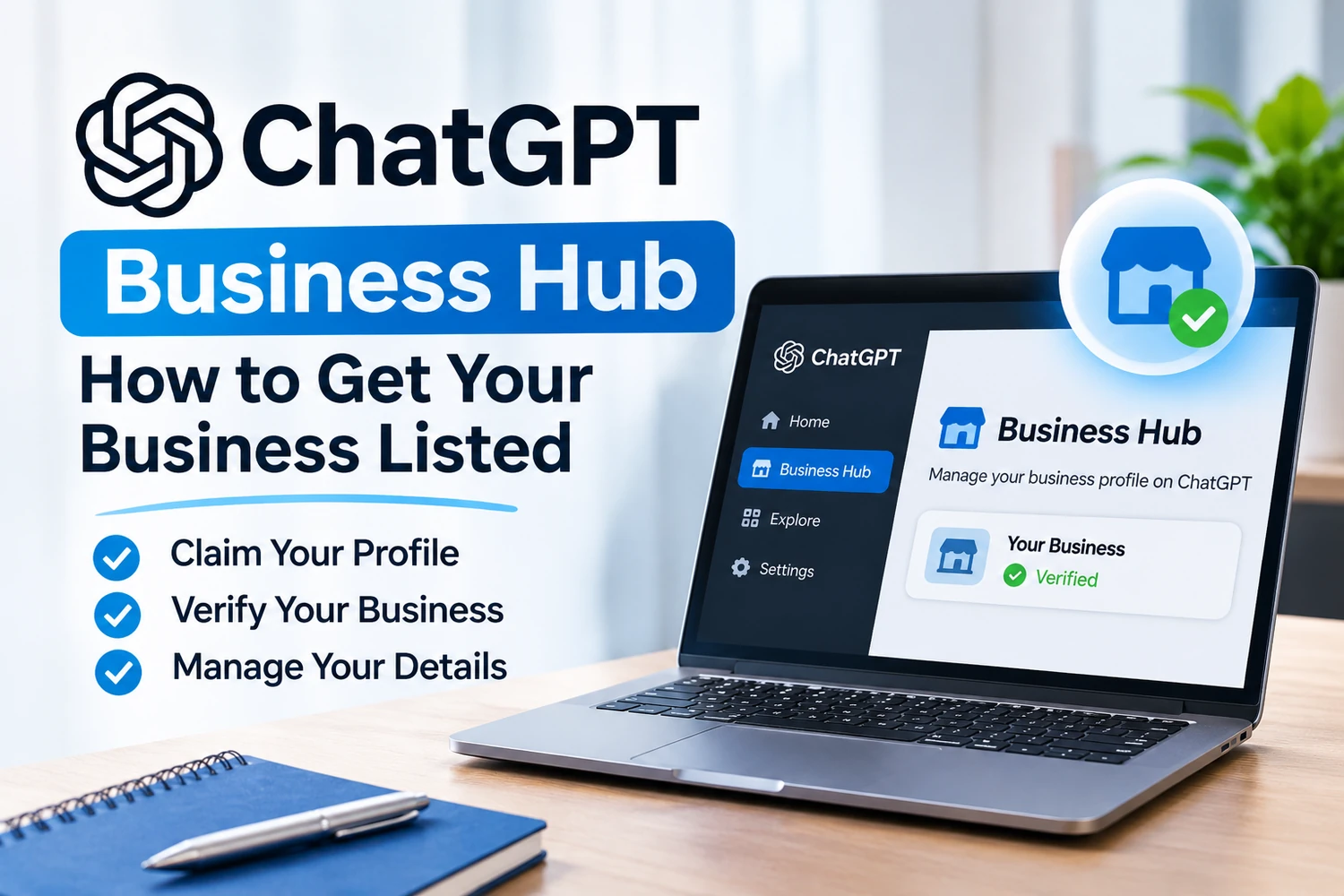
OpenAI's Business Hub lets eligible businesses claim a ChatGPT profile, verify ownership, and track how people discover their company through AI search.
People are no longer relying solely on Google to find businesses, compare products or search for services. Many now use ChatGPT to ask questions such as which web design company to hire or where to buy a particular product.
On November 10, 2026, OpenAI introduced Businesses in ChatGPT in beta. Through Business Hub, business owners can claim their profiles, update company information and see how people interact with their businesses on ChatGPT.
ChatGPT Business Hub is a platform where business owners can manage their company's presence on ChatGPT.
Once verified, businesses can update their website, company description, logo, product information and service details. Online stores can also share product prices and availability.
On November 19, 2026, OpenAI extended eligibility for online stores and online service businesses outside the United States.
Getting your business listed on ChatGPT involves a few simple steps.
Sign in to your ChatGPT account and visit ChatGPT Business Hub.
Enter your company name and select the correct listing. If your business does not appear, you may have the option to add it, depending on eligibility.
Depending on your business, you may be able to verify ownership through your business email, phone number, website domain or Shopify account.
Once your business claim is approved, complete the identity check through Persona. You may need to provide identification and business registration documents.
After verification, add your company description, website, logo, business category and other relevant information.
OpenAI will review your changes before publishing them.
Business Hub gives companies another way to manage their online presence.
Some of its main benefits include:
Eligible online businesses can also create a Business Agent to answer customer questions about products, services and company policies.
Having a verified ChatGPT business profile does not guarantee more recommendations or higher Google rankings.
However, keeping your business information accurate can help customers find reliable details about your company.
Your website still matters. Clear service pages, useful articles, accurate contact information and genuine customer reviews are good practices for businesses looking to improve their online visibility. Strong SEO services and digital marketing remain essential alongside any AI listing.
Business owners should consider ChatGPT Business Hub alongside their existing SEO and digital marketing efforts rather than treating it as a replacement for traditional SEO.
If you run an online store or offer services through your website, claiming your business is worth considering.
It gives you another place to manage your company information and understand how people discover your business.
Business Hub is currently in beta, so its features and availability may change over time.
Related reading: ChatGPT vs Claude vs Gemini for business. Need help improving your website for AI search and traditional SEO? Contact Cheapoweb to discuss your digital marketing goals.
Want help improving your AI search visibility alongside traditional SEO? Cheapoweb can review your website, business profile details, and digital marketing foundations. Talk to our team →
Short, direct answers to the questions readers ask most.
OpenAI does not require businesses to purchase advertising or have a ChatGPT Enterprise subscription to claim an eligible business profile.
Yes, eligible online stores and online service businesses in Spain can apply. Availability depends on the business type and verification requirements.
OpenAI has not announced a fixed verification period. Approval times may vary depending on the business and documents provided.
Claiming your business on ChatGPT does not directly improve Google rankings. Traditional SEO remains important for search engine visibility.
Verification allows you to manage your business profile, but it does not guarantee that ChatGPT will recommend your company more often.
Yes. Claiming a business profile and running advertisements are separate. You do not need an advertising account to claim an eligible business.
Google expanded Gemini 4 Argon access in October 2026, including AI Mode in Search for eligible subscribers. Here's what it means for SEO and business websites.
Read articleSeptember 2026 brought major updates from Google Search Console, Google Ads, Chrome, WordPress, and Shopify — here's what business owners and marketers need to know.
Read articleGoogle Search Console now reports multimodal search traffic from Lens, Circle to Search, and uploaded images — here's what that means for SEO in 2026.
Read articleFor qualified new customers, Cheapoweb offers a complimentary first-month trial for an agreed assignment. Experience our work, evaluate our professionalism, and decide whether you want to continue—with no obligation.