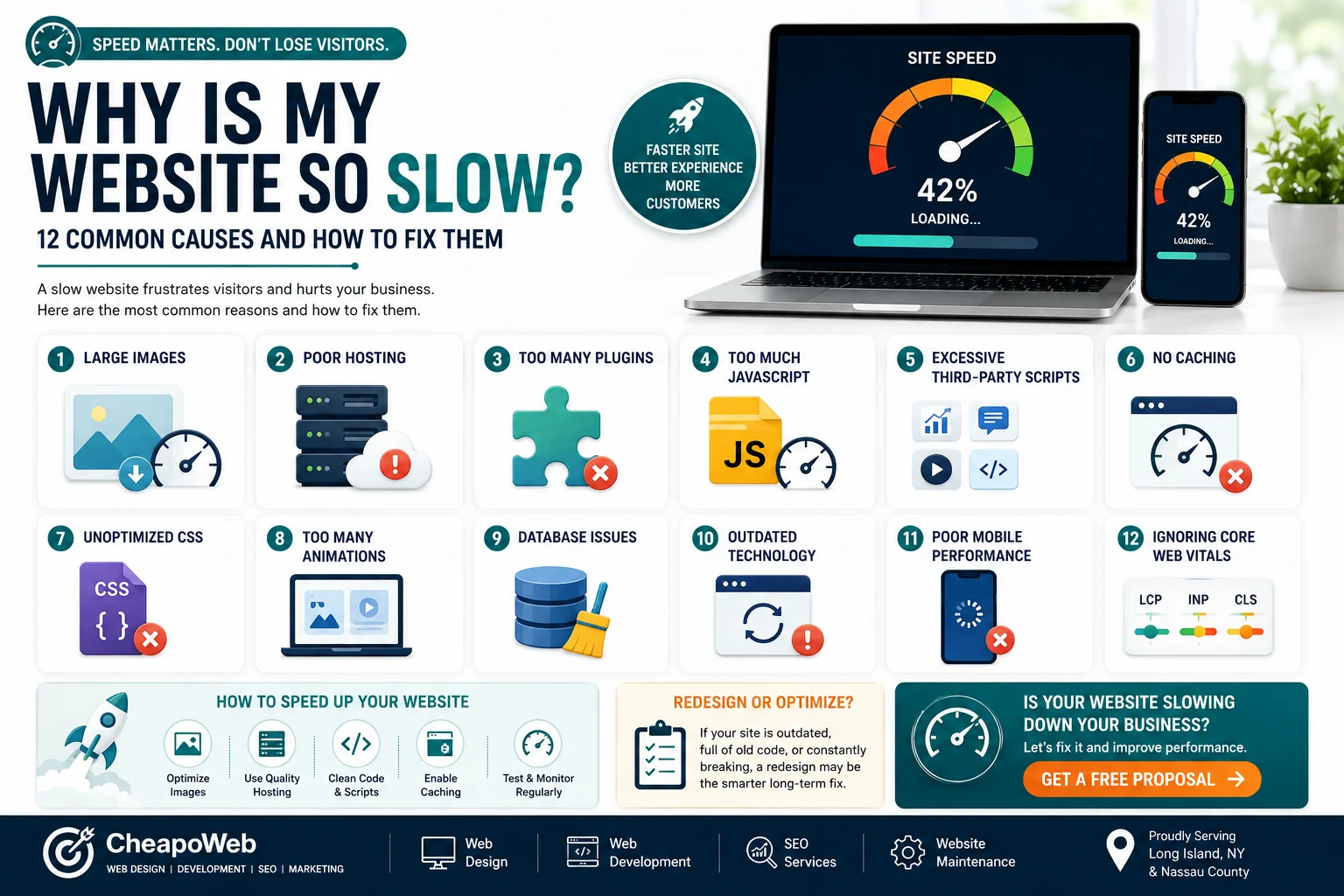
Why Is My Website So Slow? 12 Common Causes and How to Fix Them
A slow website can frustrate customers before they ever learn what your business offers. Discover 12 common causes—from oversized images to outdated code—and practical ways to fix them.
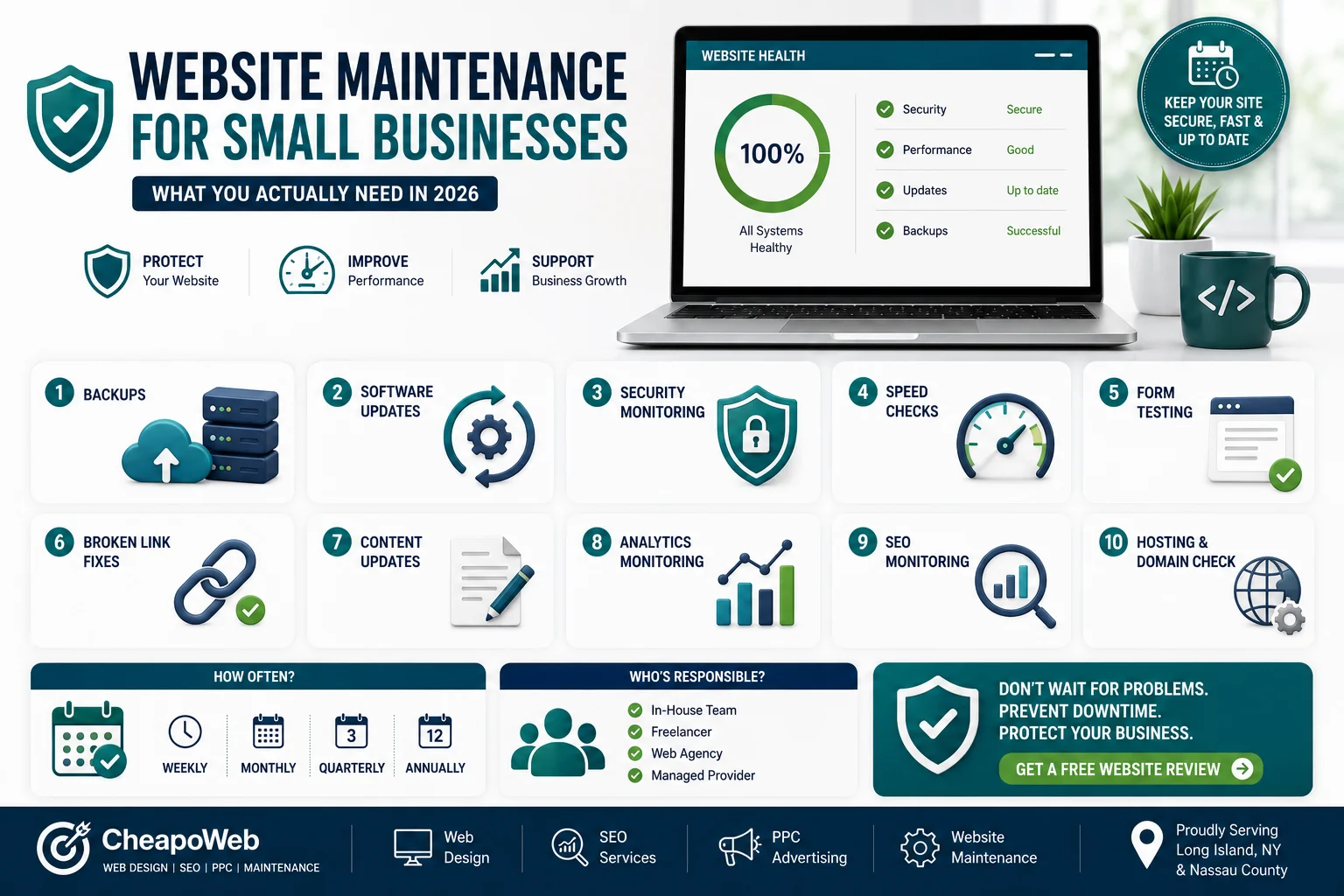
Launching your website isn't the end of the project.
It's the beginning of maintaining a business asset.
Websites rely on software, servers, content, integrations, and security systems that continue changing after launch.
Without regular maintenance, small problems can eventually become expensive ones.
Website maintenance is the ongoing process of keeping your site functional, secure, accurate, and performing properly.
It can involve:
Imagine discovering that your contact form stopped working three weeks ago.
Your website could still look perfectly normal while quietly losing inquiries.
Routine maintenance helps catch issues earlier.
Regular backups can help recover your website if something goes wrong.
How frequently you should back up depends on how often the website changes.
An e-commerce store may require more frequent backups than a basic informational website.
WordPress websites, themes, plugins, and other software may receive updates.
Updates can provide:
However, updates should sometimes be tested before being applied to important production websites.
No website can be promised to be completely immune from security threats.
Maintenance can reduce risk through practices such as:
Be cautious of anyone promising a website that can "never be hacked."
Websites may become slower over time as:
Performance should be reviewed periodically. Related reading: Why Is My Website So Slow? 12 Common Causes and How to Fix Them.
Contact forms are directly connected to lead generation.
Test important forms regularly.
Check:
Links can stop working when pages are moved or external websites change.
Broken links create a poor user experience and should be corrected when discovered.
Outdated information can reduce trust.
Review:
Analytics can reveal changes such as:
You don't need to monitor statistics every hour, but regular reviews can reveal issues worth investigating.
Website changes can sometimes affect search visibility.
Ongoing SEO maintenance may include:
Your website depends on services outside the visible pages.
Keep track of:
A forgotten domain renewal can create a serious business interruption.
Different tasks require different schedules.
Some should be monitored continuously.
Others may be reviewed:
The frequency depends on:
Not every business needs an expensive monthly package.
But every business should have a clear answer to this question:
Who is responsible if something breaks?
That could be:
The important thing is having ownership clearly defined.
Consider getting help if:
Website maintenance isn't glamorous, but it protects the work already invested in your website.
A good maintenance process helps keep the site:
Cheapoweb currently includes website maintenance among its services, including page-speed optimization and ongoing support after launch.
If nobody is currently responsible for maintaining your business website, Cheapoweb can help evaluate its condition and identify which updates, performance improvements, or ongoing support it actually needs.
Request a free proposal from Cheapoweb to discuss your website maintenance needs.
If nobody is currently responsible for maintaining your business website, request a free proposal and discuss which updates, performance improvements, or ongoing support it actually needs.
GET A FREE PROPOSAL← Back to all articlesA slow website can frustrate customers before they ever learn what your business offers. Discover 12 common causes—from oversized images to outdated code—and practical ways to fix them.
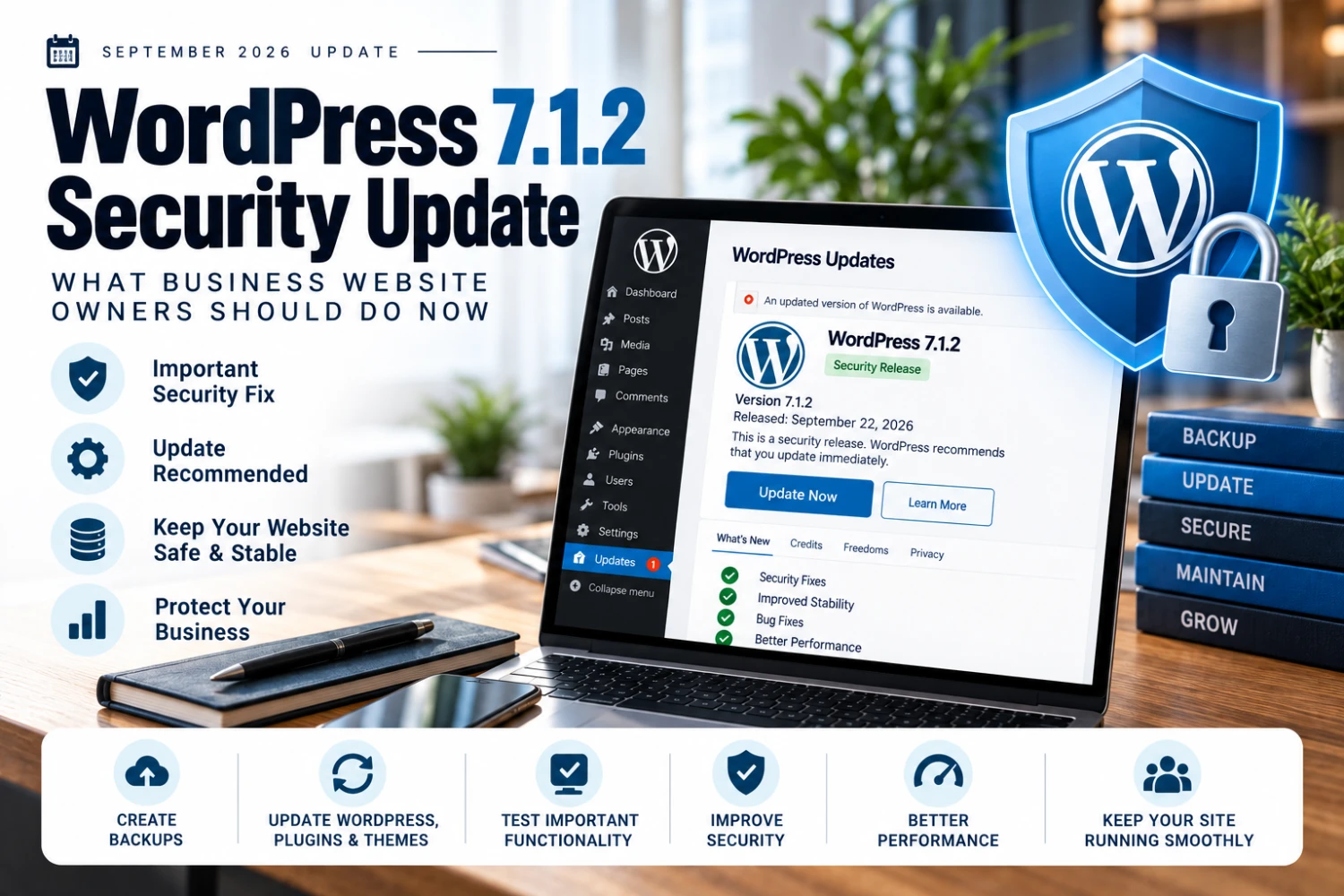
WordPress 7.1.2 arrived days after 7.1.1 with another security fix — here's a practical update process for business website owners.
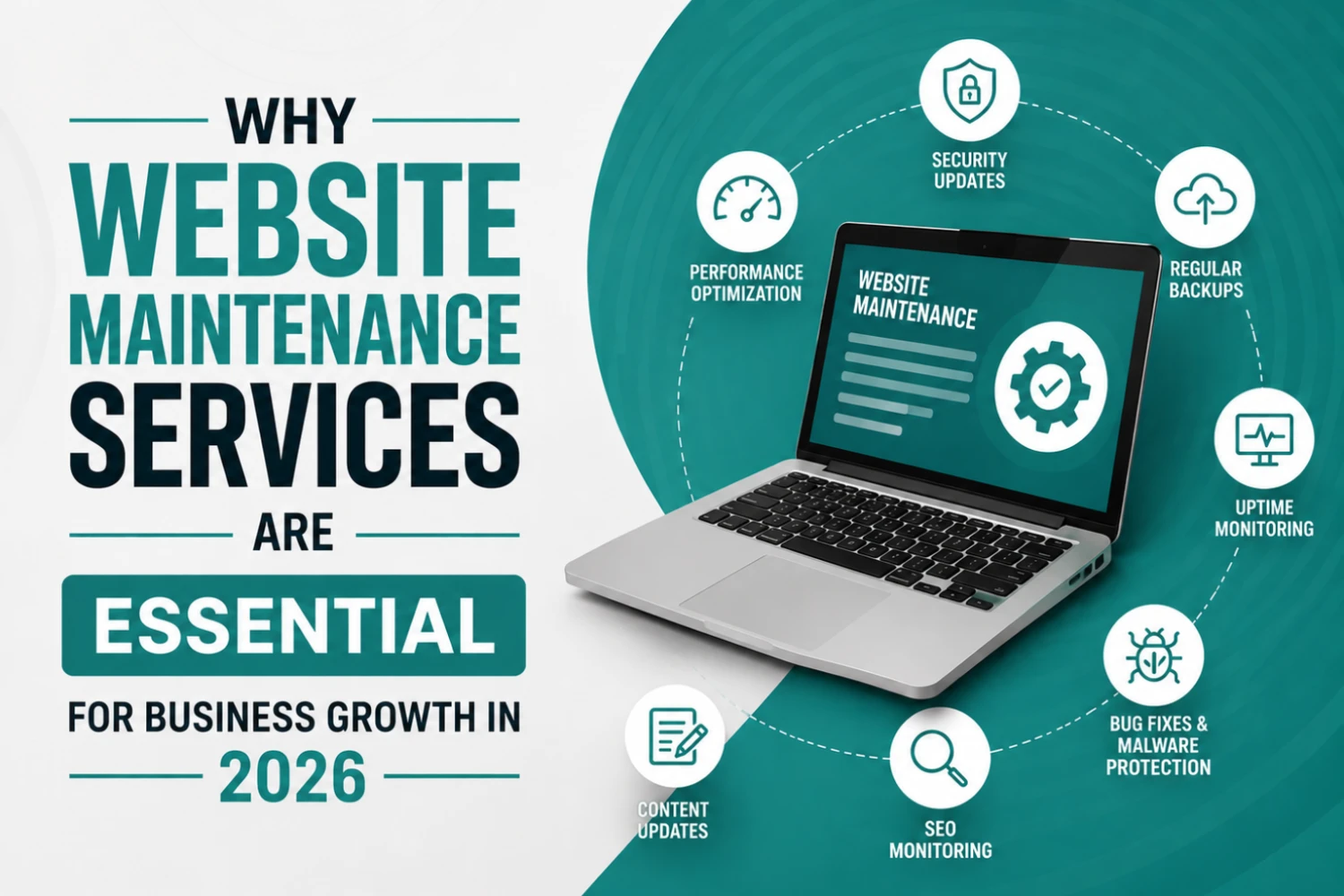
Many businesses invest thousands of dollars into building a website but overlook one of the most important factors in long-term success: website maintenance. A website is not a one-time project—it requires continuous updates, monitoring, optimization, and security management to perform effectively.
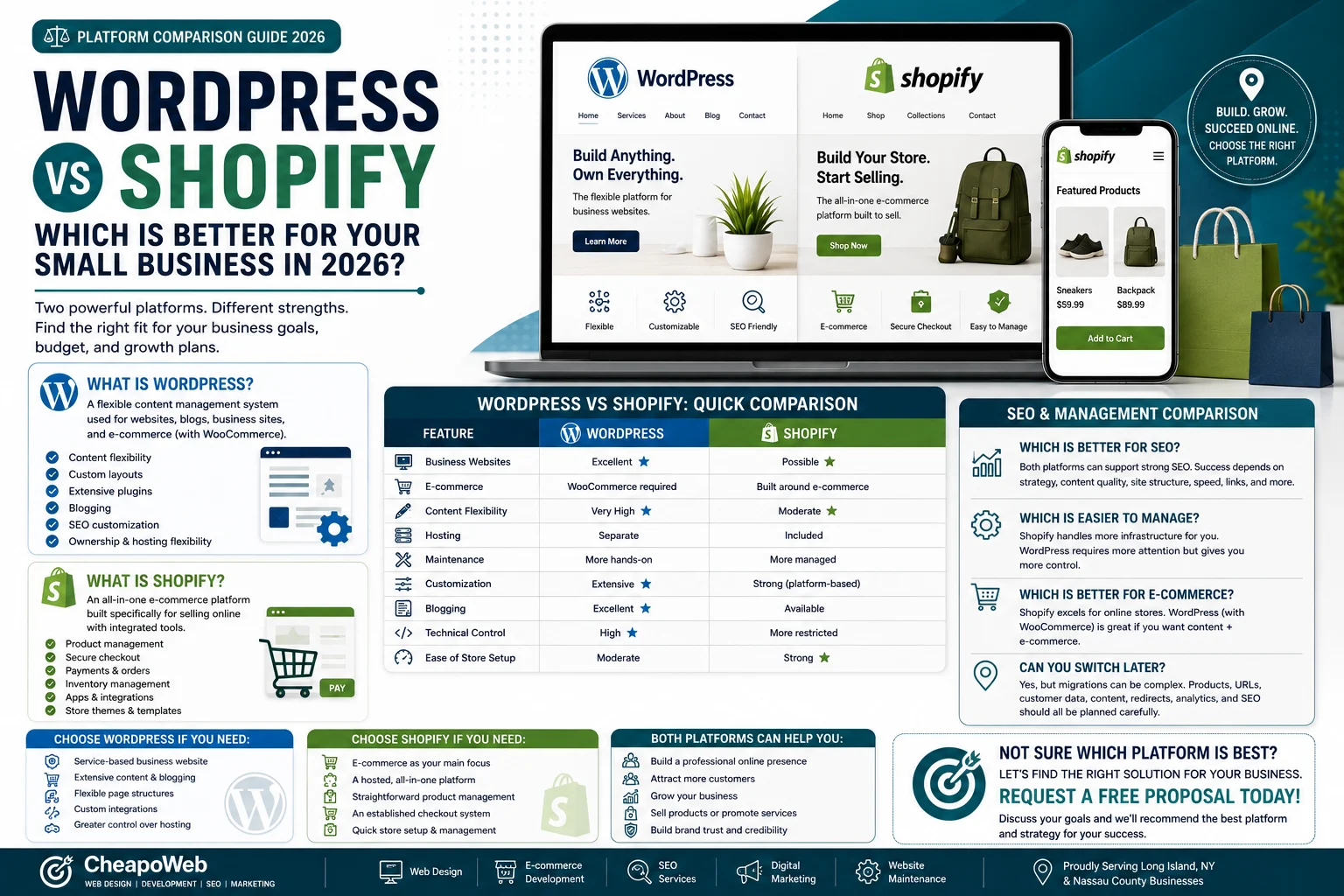
Choosing the platform behind your website is an important business decision. Compare WordPress and Shopify for e-commerce, flexibility, maintenance, SEO, and ease of use.
* indicates required fields
GET STARTED