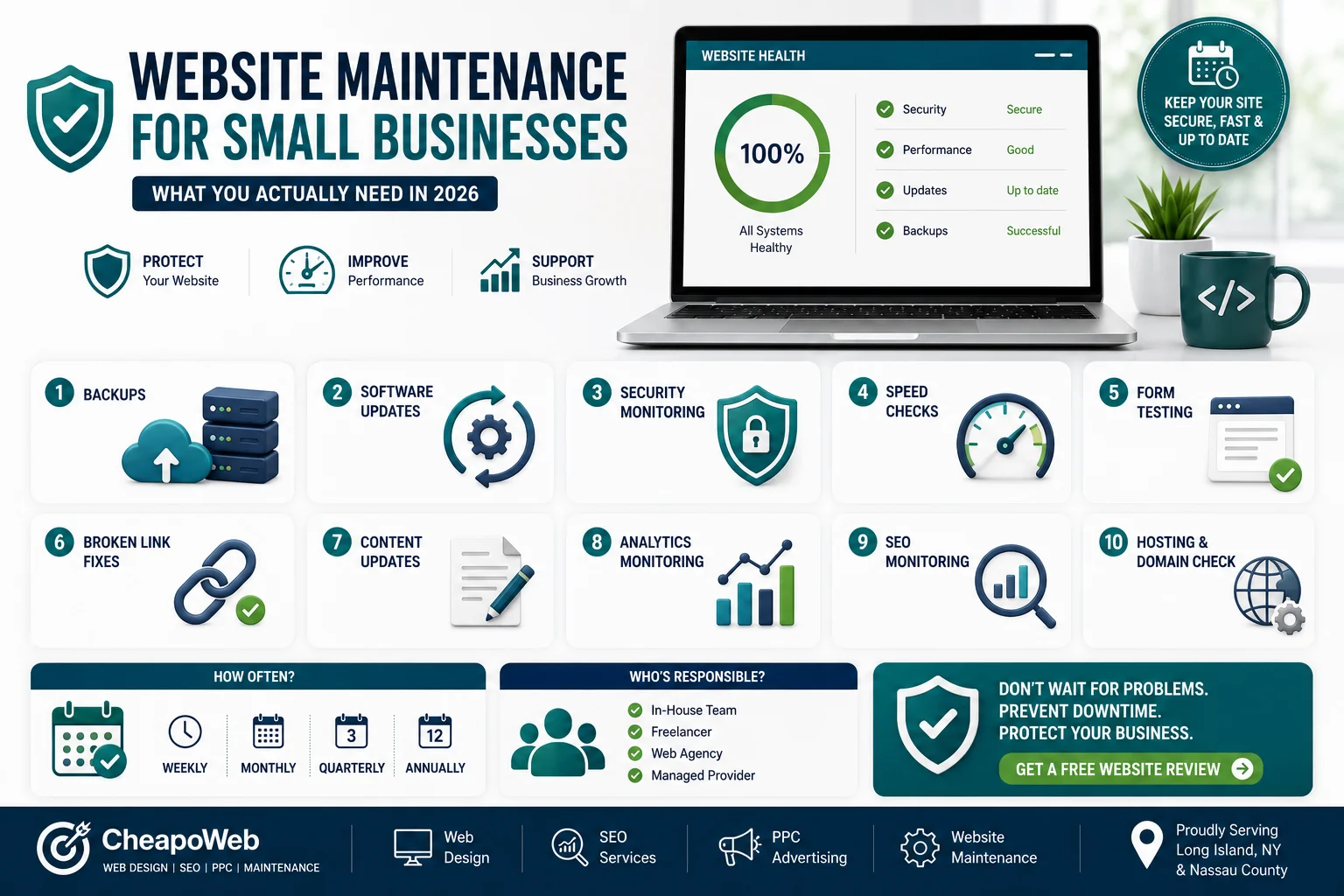
Website Maintenance for Small Businesses: What You Actually Need in 2026
Launching your website isn't the end of the project. Learn what small business website maintenance actually includes, why it matters, and how to choose the right support plan.
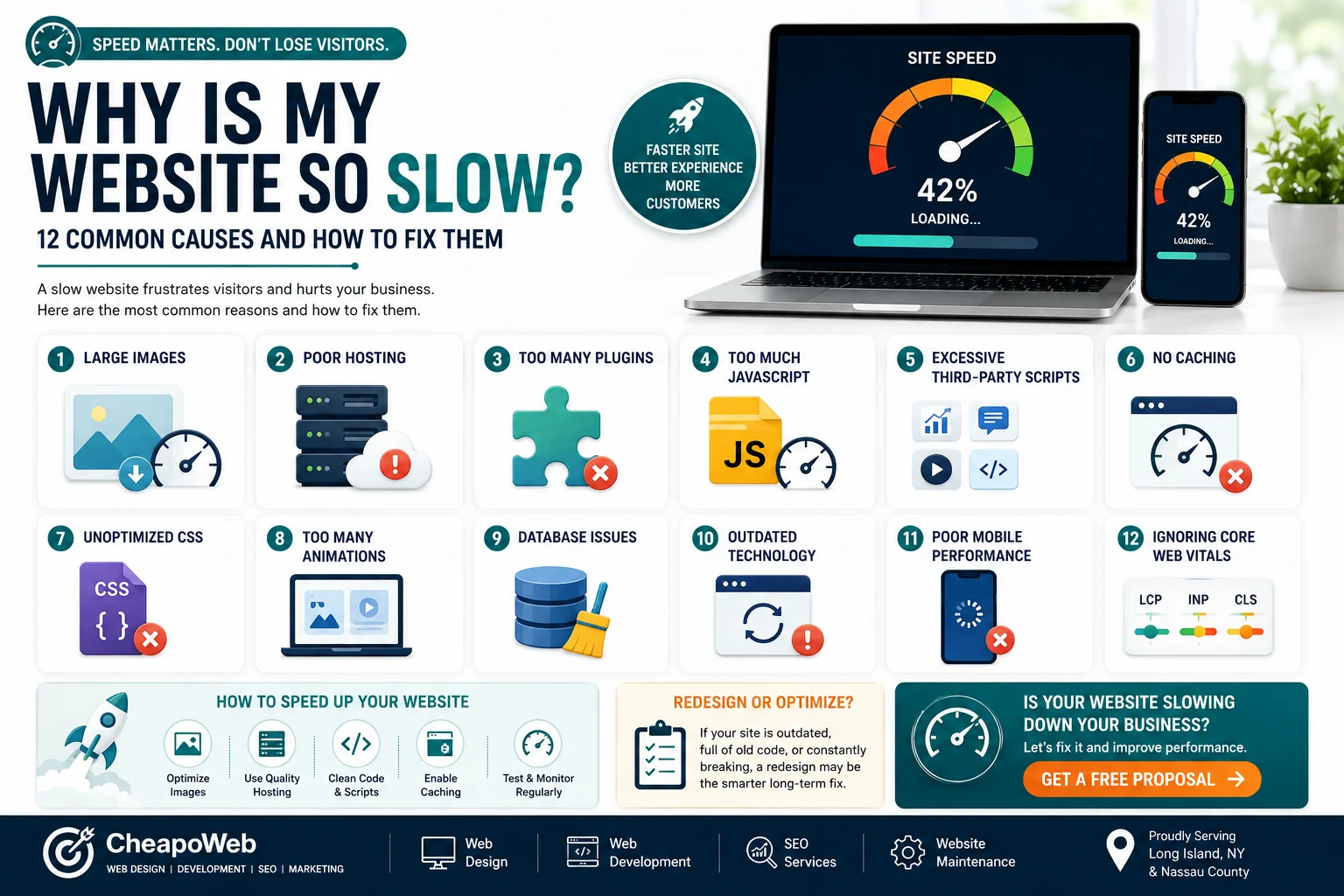
A slow website can frustrate customers before they ever learn what your business offers.
Visitors expect pages to respond quickly, especially when browsing on mobile devices.
If your website feels noticeably slower than competing websites, there may be several causes working together.
High-resolution images can contain far more data than a website actually needs.
Large image files can make pages significantly heavier.
Potential solutions include:
Your web server affects how quickly content can begin loading.
A heavily overloaded hosting environment may create slower server responses.
The right hosting solution depends on your site's traffic, technology, and functionality.
Plugins can add useful functionality, particularly on WordPress websites.
But too many unnecessary, outdated, or poorly developed plugins can create performance and security issues.
Remove plugins that your website no longer needs.
Interactive websites often rely on JavaScript.
The problem occurs when a page loads large amounts of unnecessary code before visitors can interact with important content.
Developers can sometimes improve performance by reducing, delaying, or restructuring scripts.
Your website may load code from:
Every third-party service introduces another potential performance cost.
Caching helps avoid generating or downloading the same resources repeatedly.
Proper caching can improve repeat visits and reduce unnecessary processing.
Large stylesheets or unused CSS can make pages heavier than necessary.
Cleaning and optimizing CSS may improve performance.
Animation can improve design when it supports the user experience.
But excessive motion, large effects, and poorly optimized visual components can make a website slower.
Good web design balances appearance with performance.
Dynamic websites may rely heavily on databases.
Over time, unnecessary records, revisions, or inefficient queries can contribute to performance problems.
Older websites may carry years of:
At some point, optimizing an outdated site can become less practical than rebuilding parts of it.
A website that feels fast on high-speed office Wi-Fi may perform very differently on a phone.
Always evaluate real mobile usability.
Google's Core Web Vitals are commonly used measurements of page experience and currently include loading, responsiveness, and visual stability metrics such as LCP, INP, and CLS.
Testing these metrics can help identify where users may experience performance problems.
Common improvements include:
Not always.
Sometimes optimization is enough.
But if the website has:
a redesign or rebuild may provide better long-term value. Related reading: 10 Signs Your Business Needs a Website Redesign in 2026.
Cheapoweb lists website maintenance and page-speed optimization among its current services, making performance improvements a practical next step for many businesses.
If your website feels slow, don't assume you need a complete rebuild. A performance audit can help identify what is actually causing the problem and which fixes should be prioritized.
Request a free proposal from Cheapoweb to discuss your website performance goals.
If your website feels slow, don't assume you need a complete rebuild. Request a free proposal and discuss a performance audit to identify what is actually causing the problem.
GET A FREE PROPOSAL← Back to all articlesLaunching your website isn't the end of the project. Learn what small business website maintenance actually includes, why it matters, and how to choose the right support plan.
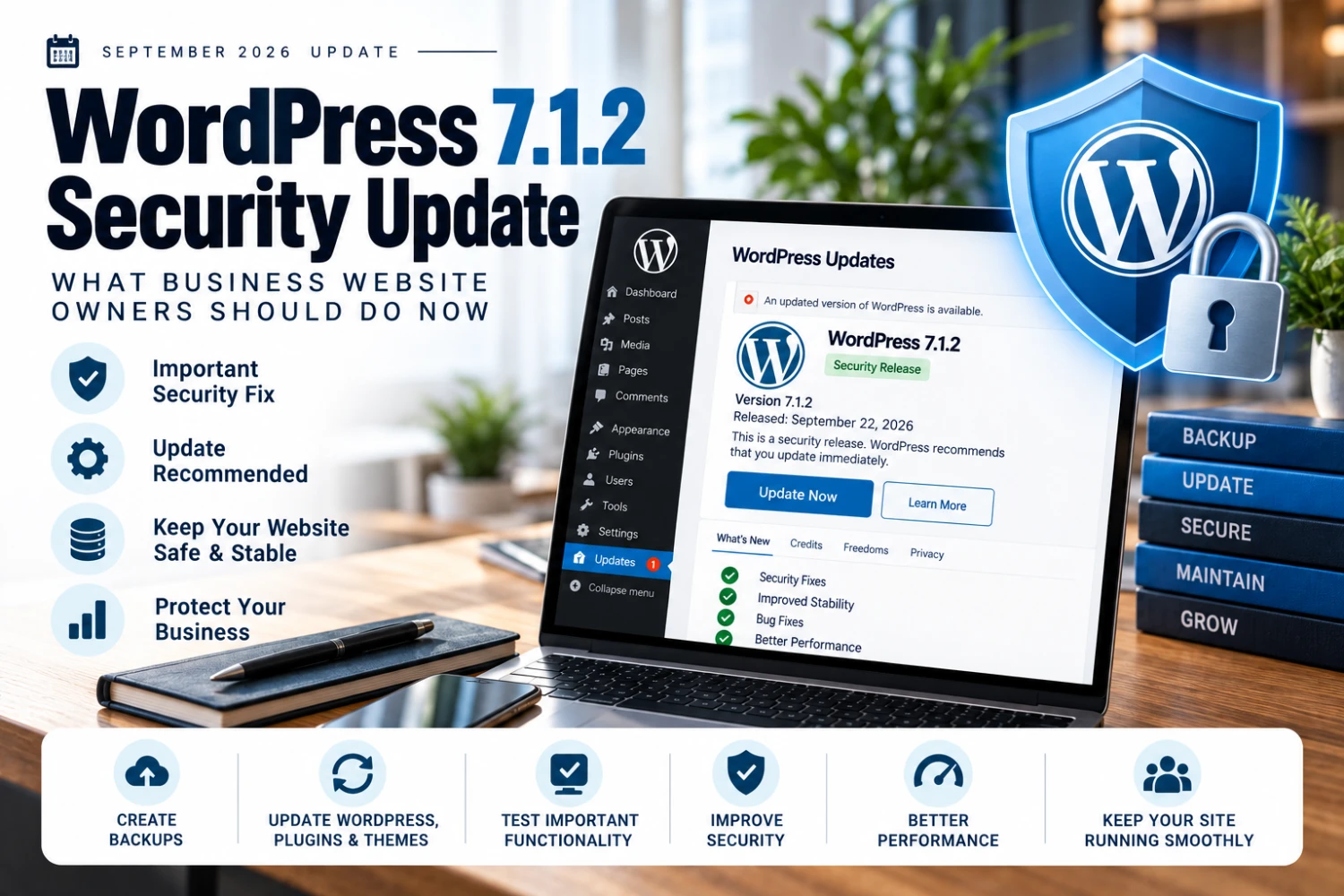
WordPress 7.1.2 arrived days after 7.1.1 with another security fix — here's a practical update process for business website owners.
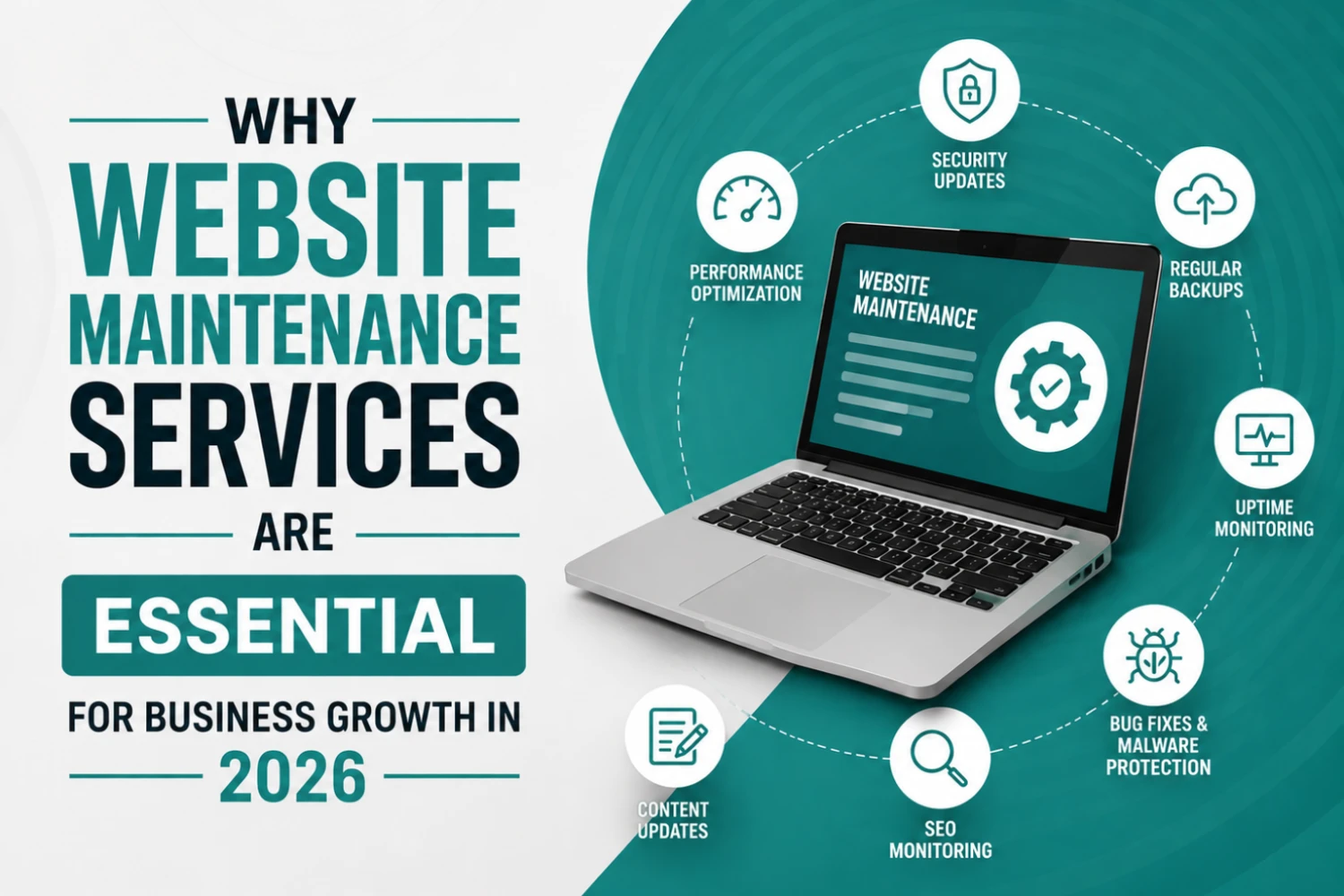
Many businesses invest thousands of dollars into building a website but overlook one of the most important factors in long-term success: website maintenance. A website is not a one-time project—it requires continuous updates, monitoring, optimization, and security management to perform effectively.
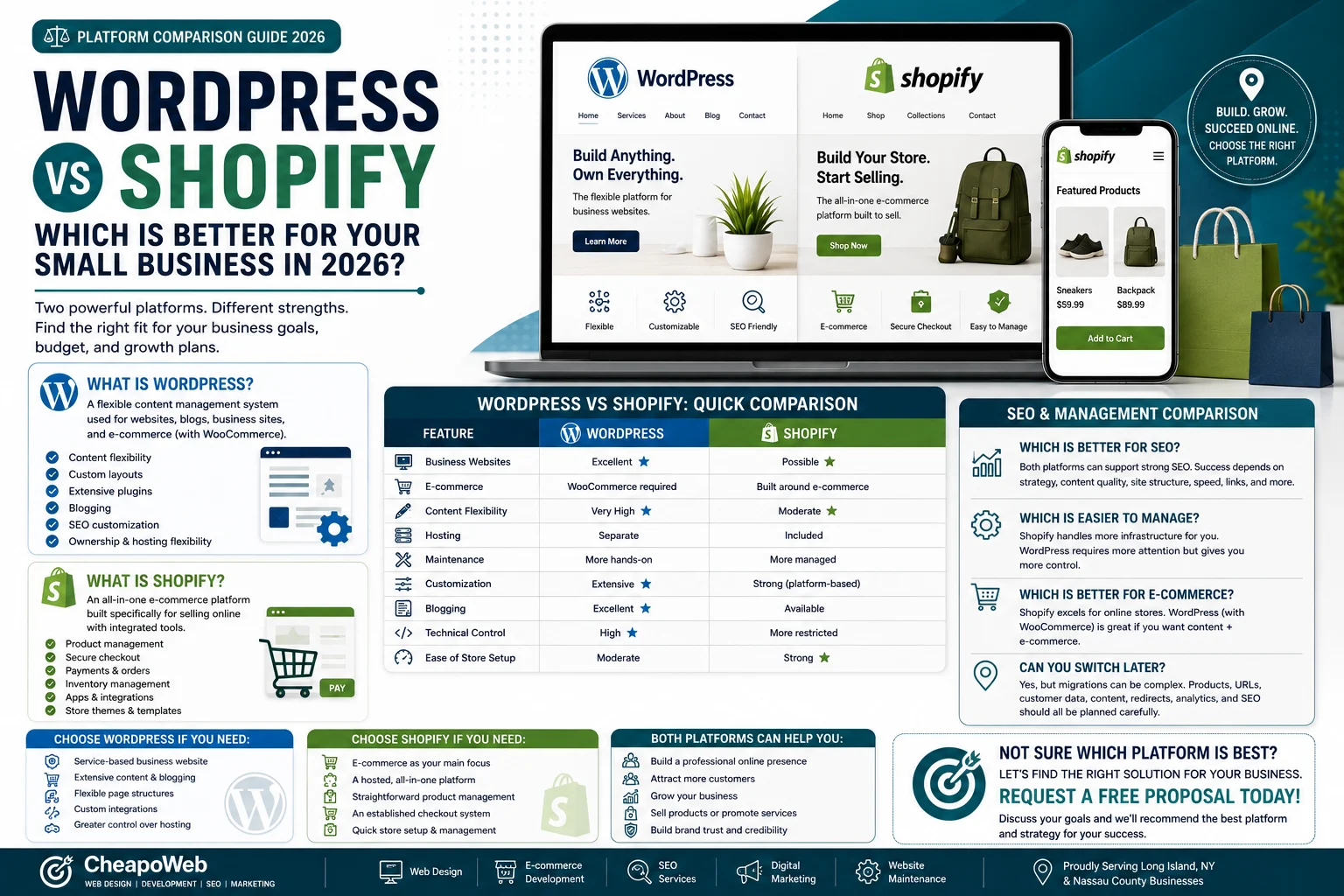
Choosing the platform behind your website is an important business decision. Compare WordPress and Shopify for e-commerce, flexibility, maintenance, SEO, and ease of use.
* indicates required fields
GET STARTED