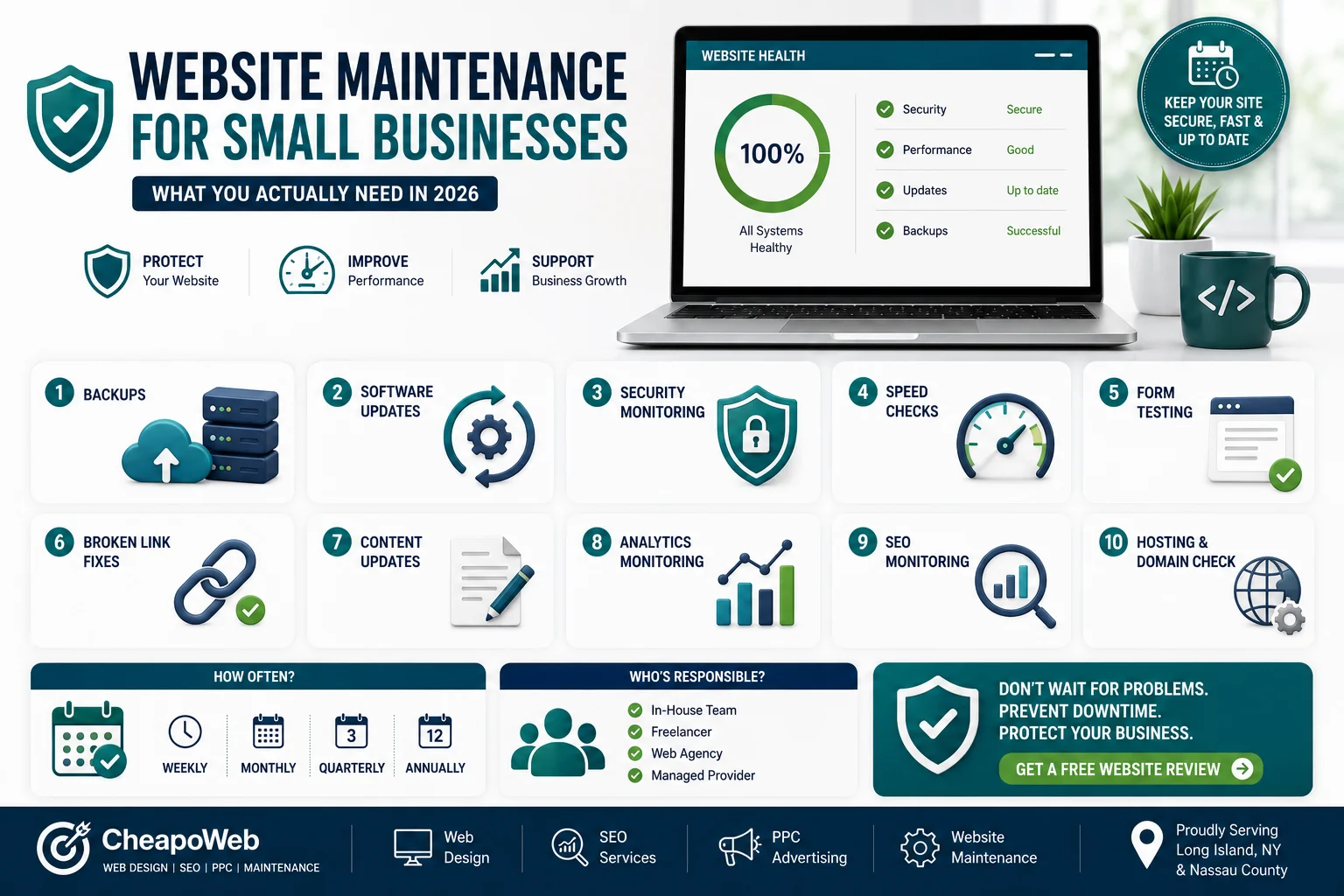
Website Maintenance for Small Businesses: What You Actually Need in 2026
Launching your website isn't the end of the project. Learn what small business website maintenance actually includes, why it matters, and how to choose the right support plan.
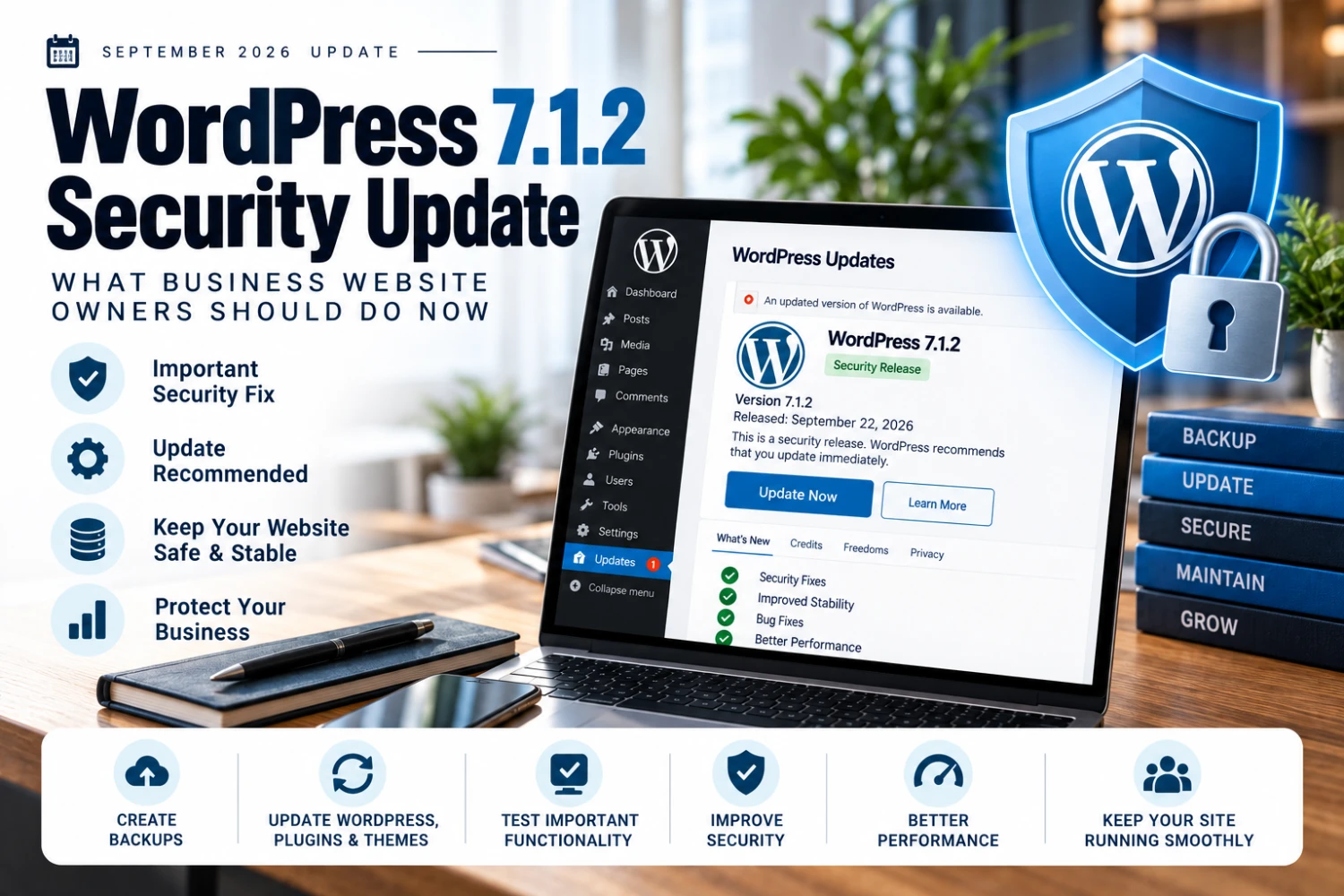
If your business website runs WordPress, September 2026 brought an important reminder: website maintenance is not optional.
WordPress released version 7.1.2 on September 22, describing it as a security release and recommending that sites update immediately.
It arrived only days after WordPress 7.1.1, which itself contained multiple security and maintenance fixes.
Sources: WordPress 7.1.2 documentation and WordPress 7.1.1 release. See also the full September 2026 technology updates roundup.
WordPress 7.1.1 arrived September 17 with:
WordPress 7.1.2 followed September 22 with an additional security fix.
This does not mean WordPress is inherently unsafe. It demonstrates that security maintenance is continuous for nearly all widely used software.
WordPress recommends updating to the current security release.
However, businesses operating important websites should also have a sensible update process:
After updating WordPress, check:
WordPress Core is only one part of the website. Also maintain plugins, themes, PHP, hosting, and third-party integrations.
An outdated plugin can create risk even when WordPress Core itself is current. Strong WordPress development practices help keep the stack healthy.
Automatic updates can be useful. But maintenance also involves:
A business-critical website should have someone responsible for these tasks. Explore website maintenance services.
Not every company needs an expensive support package. But every business should know: who is responsible if the website fails tomorrow? If the answer is "nobody," that is the real problem.
WordPress remains a powerful platform, but it needs maintenance like any other software system.
If your WordPress website has not been reviewed recently, contact Cheapoweb to assess updates, backups, performance, plugins, compatibility, and ongoing maintenance.
Related reading: September 2026 Technology Updates and Chrome Two-Week Release Cycle for Business Websites.
If your WordPress website has not been reviewed recently, Cheapoweb can help assess updates, backups, performance, plugins, compatibility, and ongoing maintenance requirements.
GET A FREE PROPOSAL← Back to all articlesLaunching your website isn't the end of the project. Learn what small business website maintenance actually includes, why it matters, and how to choose the right support plan.
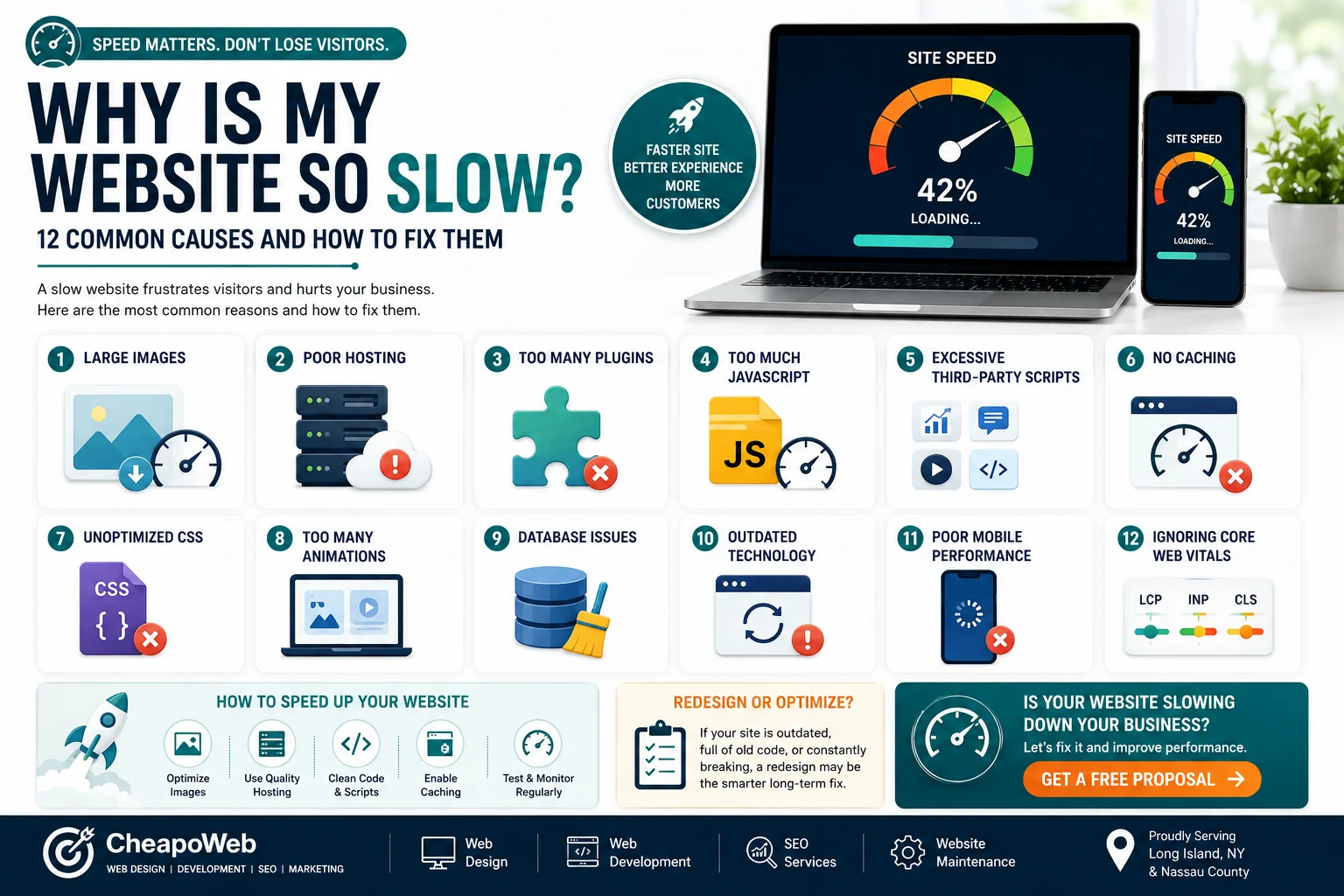
A slow website can frustrate customers before they ever learn what your business offers. Discover 12 common causes—from oversized images to outdated code—and practical ways to fix them.
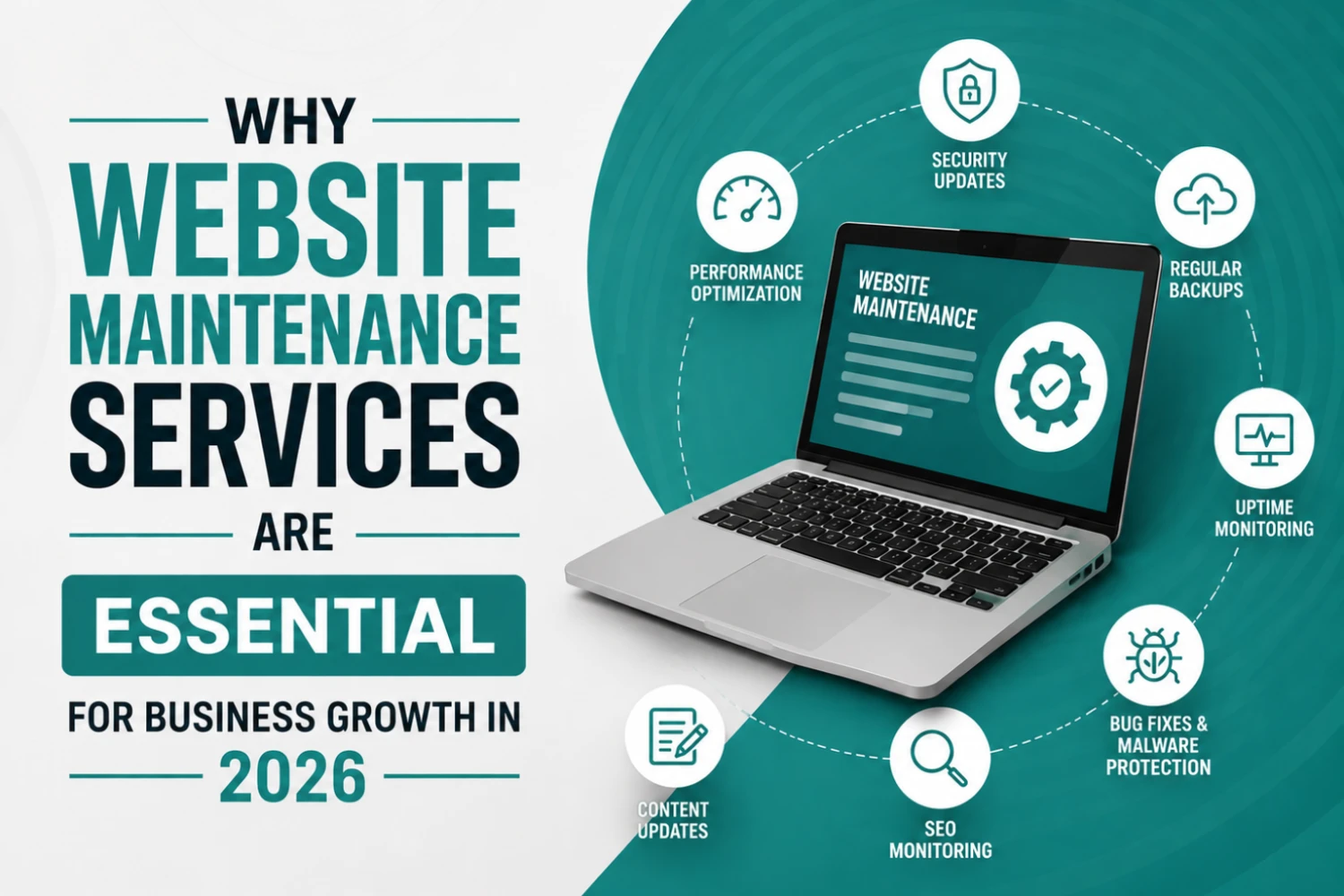
Many businesses invest thousands of dollars into building a website but overlook one of the most important factors in long-term success: website maintenance. A website is not a one-time project—it requires continuous updates, monitoring, optimization, and security management to perform effectively.
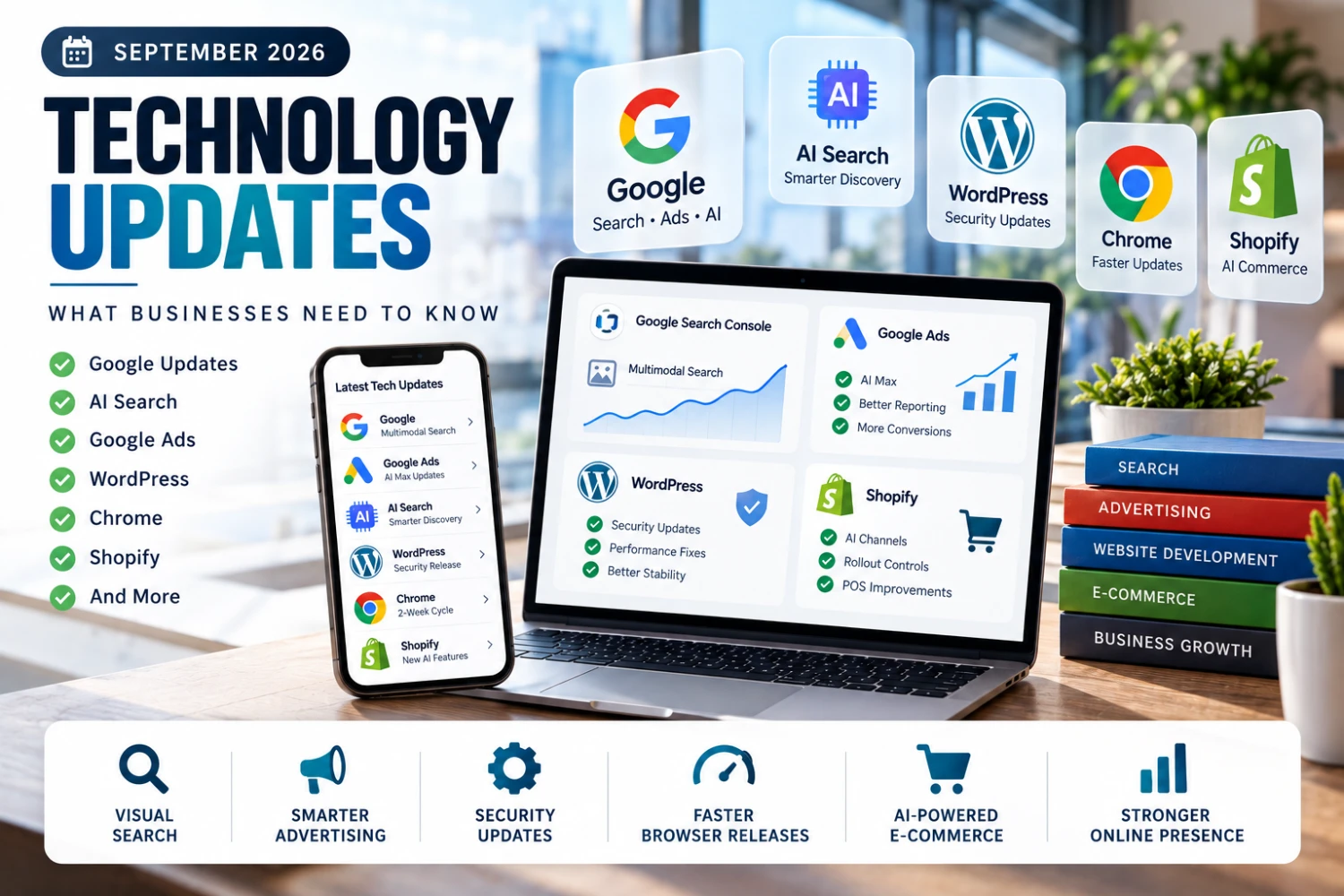
September 2026 brought major updates from Google Search Console, Google Ads, Chrome, WordPress, and Shopify — here's what business owners and marketers need to know.
* indicates required fields
GET STARTED