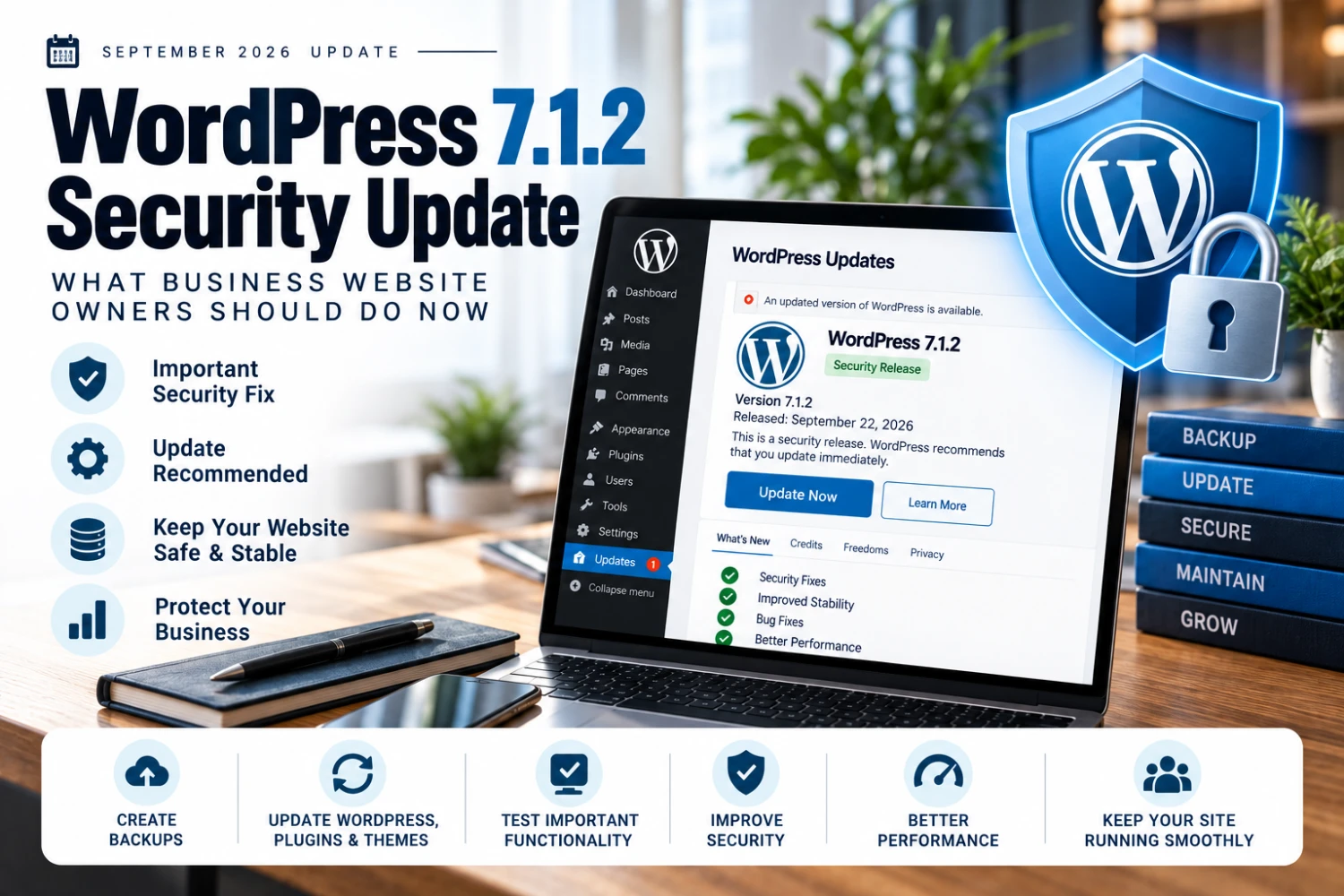
WordPress 7.1.2 Security Update: What Business Website Owners Should Do Now
WordPress 7.1.2 arrived days after 7.1.1 with another security fix — here's a practical update process for business website owners.
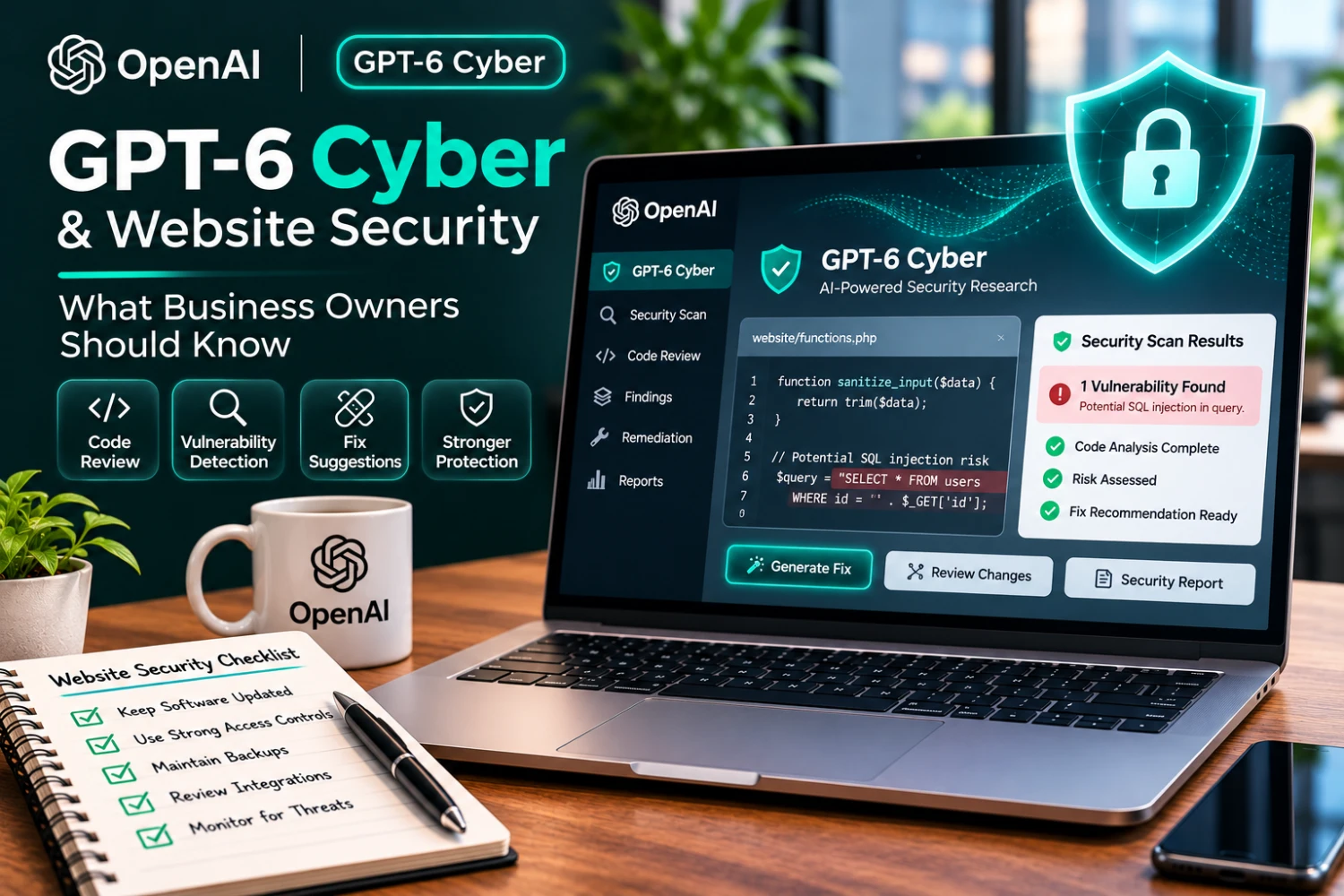
Security threats do not stand still. Websites rely on code, plugins, hosting systems, integrations, and third-party services that change over time. Finding weaknesses before attackers exploit them is a continuing responsibility.
On November 5, 2026, OpenAI announced GPT-6 Cyber, a specialized model intended to support authorized cybersecurity research, vulnerability discovery, and remediation. OpenAI reported improvements over its earlier cyber-focused models and described research involving major open-source software projects.
For small businesses, the headline is not that every website can now be automatically secured with AI. It is that AI-assisted security research is advancing, making responsible maintenance and timely fixes more important.
Source: OpenAI, GPT-6 Cyber announcement, November 5, 2026. Additional reference: OpenAI GPT-6 Cyber deployment safety.
GPT-6 Cyber is a cybersecurity-specialized AI model designed for approved, authorized security workflows. According to OpenAI, it can assist with discovering and validating software vulnerabilities and developing fixes while following defined testing boundaries.
OpenAI described substantial improvements in internal evaluations and reported that its researchers used the model to identify vulnerabilities in widely used software. Those findings are OpenAI's reported research results, not evidence that the model will identify every vulnerability or secure any particular business website.
A typical small business website may include:
Each component adds functionality, but it can also introduce maintenance obligations. Security requires attention to the whole system, not just the homepage.
Apply security updates to your CMS, plugins, themes, dependencies, and hosting environment. Use backups and staging tests where appropriate to reduce the risk of disruption.
Use strong, unique credentials and multifactor authentication wherever supported. Remove accounts that no longer need access and avoid sharing administrator logins.
Maintain reliable backups and periodically test restoration. A backup is useful only if it can actually restore the website and associated data.
Remove unused plugins and integrations. Limit API credentials to the minimum permissions necessary, and rotate or revoke credentials when appropriate.
Watch for unusual activity, failed logins, unexpected file changes, and security alerts. Establish who will investigate and respond if a problem occurs.
Authorized teams may use AI to assist with reviewing code, prioritizing findings, drafting fixes, or explaining technical risks. These outputs still require validation by qualified people and appropriate testing before deployment.
Importantly, GPT-6 Cyber is not a general-purpose website scanning tool available to every business owner. OpenAI described initial access through restricted programs for approved defenders. Businesses should not assume they can simply connect the model to a website and receive a complete security audit.
Security testing must be authorized. A contractor hired to assess one website does not automatically have permission to test the hosting provider, another customer's account, or unrelated services.
A responsible security engagement should specify:
AI does not remove these responsibilities.
Begin with a simple review:
This checklist is not a guarantee of security, but it can expose avoidable gaps.
GPT-6 Cyber is a significant development in AI-assisted security research, but it does not replace the basics. Businesses still need updated software, controlled access, reliable backups, monitoring, and a clear response plan.
Read our WordPress security update and website maintenance guide, explore website maintenance services, or contact Cheapoweb for a technical review.
If your website has not received a technical or maintenance review recently, Cheapoweb can help evaluate its software, integrations, performance, and ongoing support needs, and coordinate specialist security assessment when appropriate.
GET A FREE PROPOSAL← Back to all articlesWordPress 7.1.2 arrived days after 7.1.1 with another security fix — here's a practical update process for business website owners.
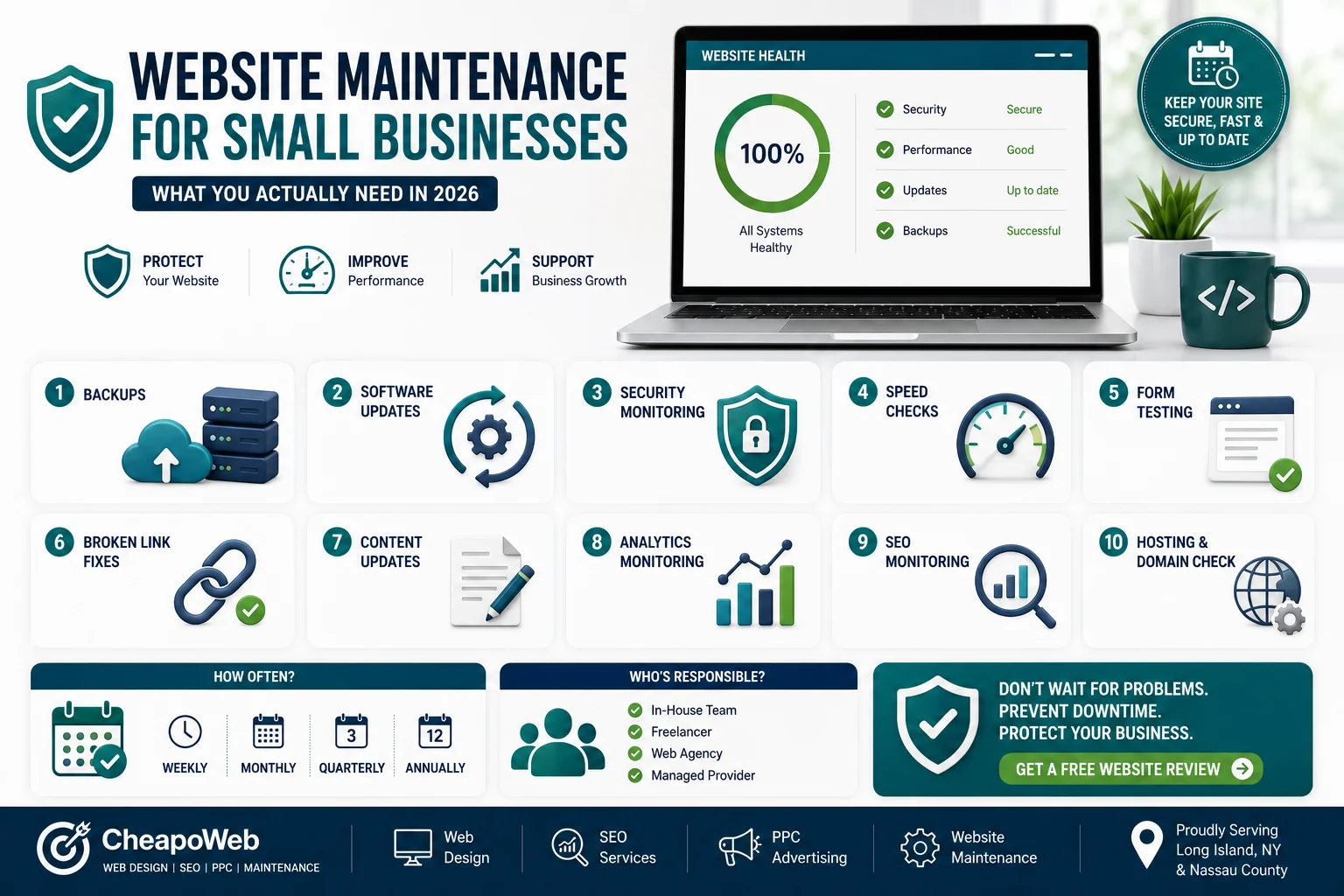
Launching your website isn't the end of the project. Learn what small business website maintenance actually includes, why it matters, and how to choose the right support plan.
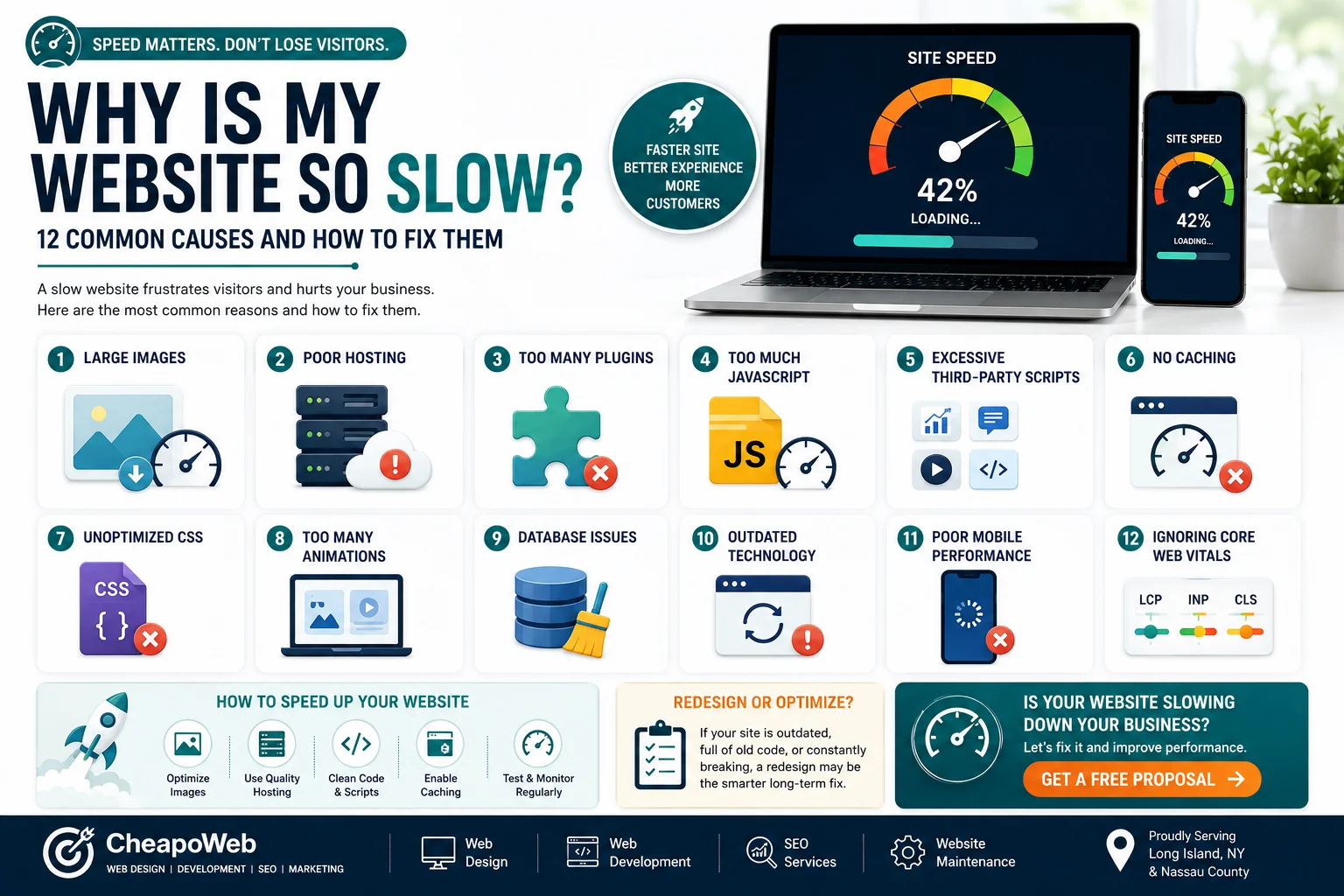
A slow website can frustrate customers before they ever learn what your business offers. Discover 12 common causes—from oversized images to outdated code—and practical ways to fix them.
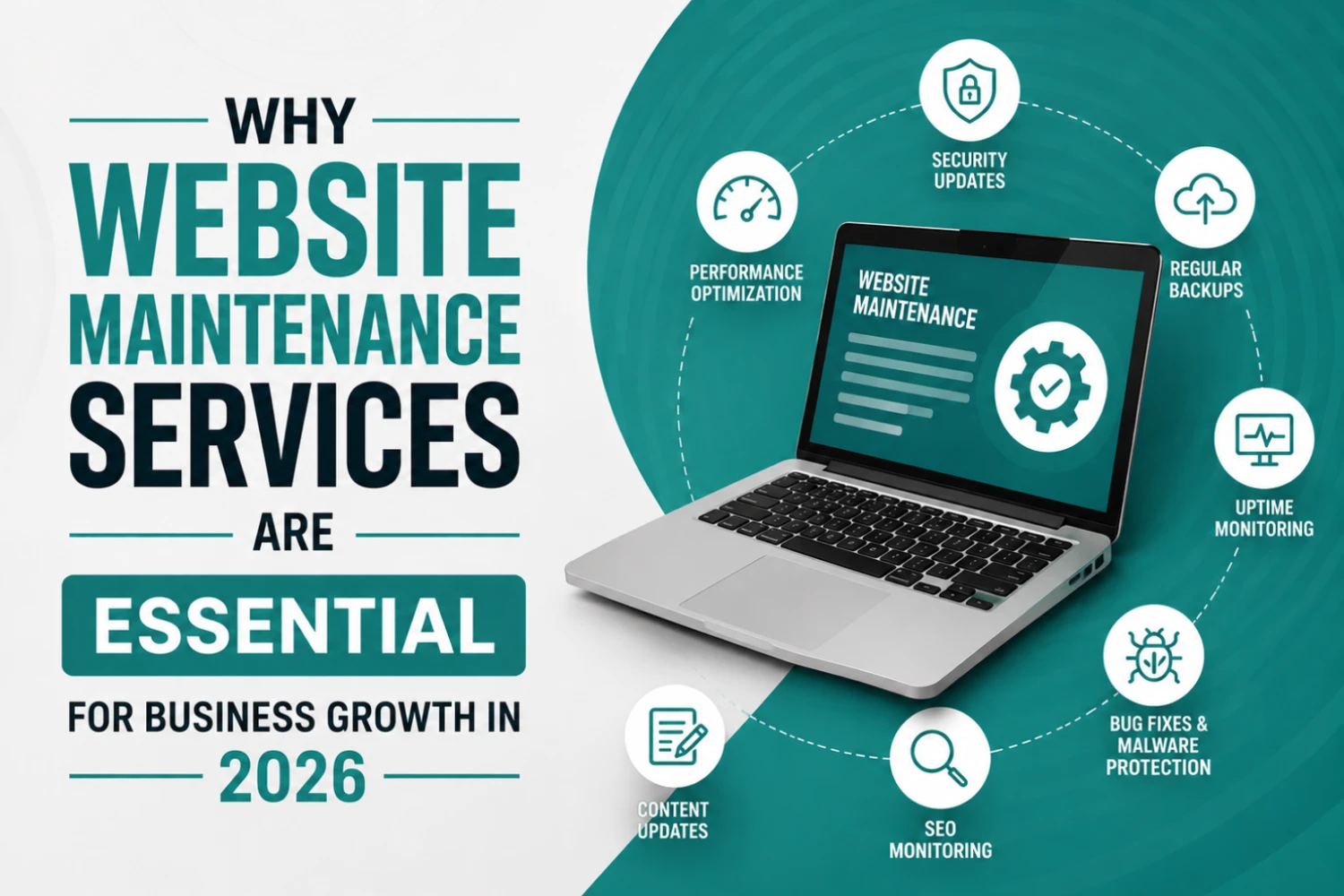
Many businesses invest thousands of dollars into building a website but overlook one of the most important factors in long-term success: website maintenance. A website is not a one-time project—it requires continuous updates, monitoring, optimization, and security management to perform effectively.
GET STARTED