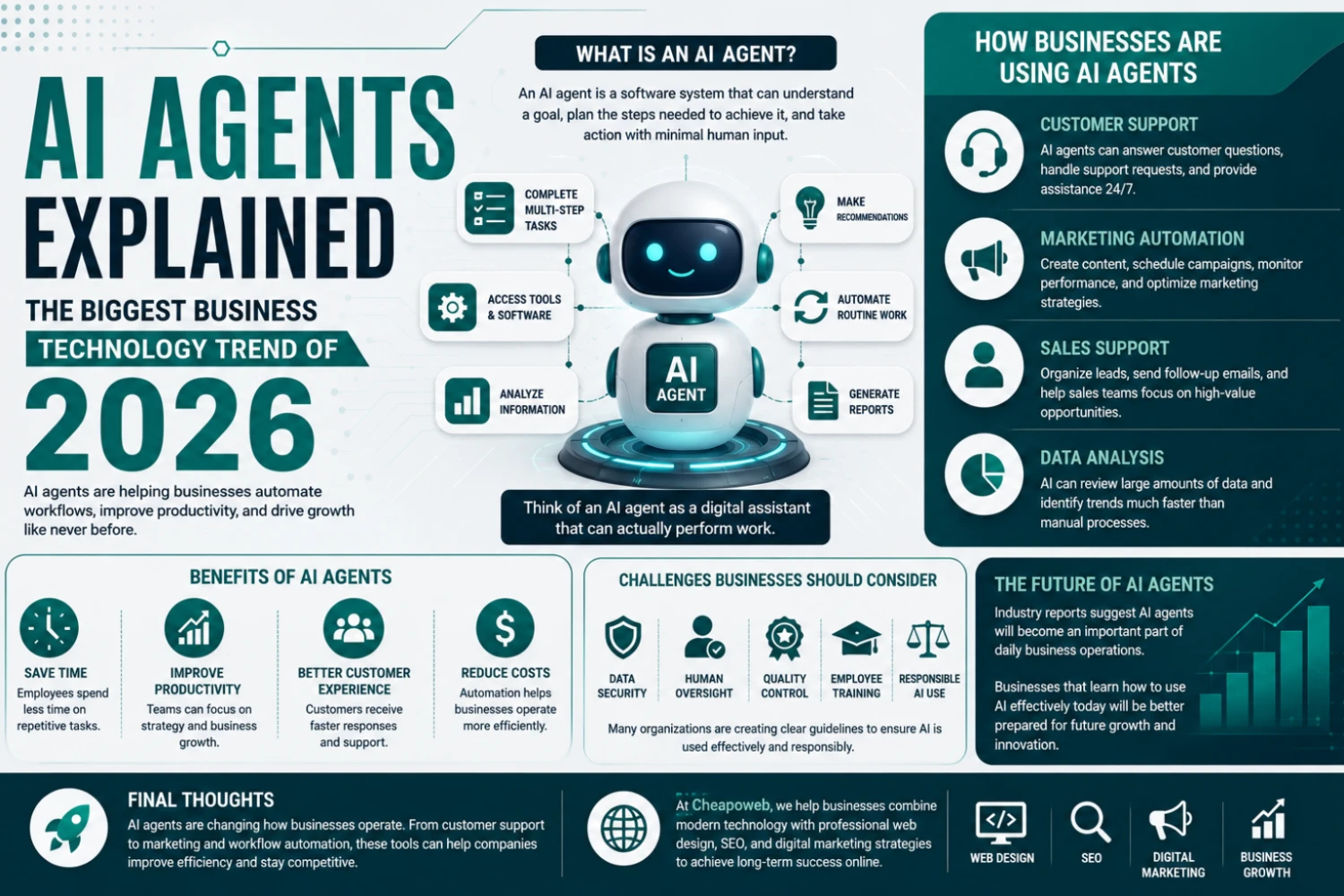
AI Agents Explained: The Biggest Business Technology Trend of 2026
In 2026, businesses are using AI agents that can perform tasks, automate workflows, and help teams work more efficiently — not just answer questions.
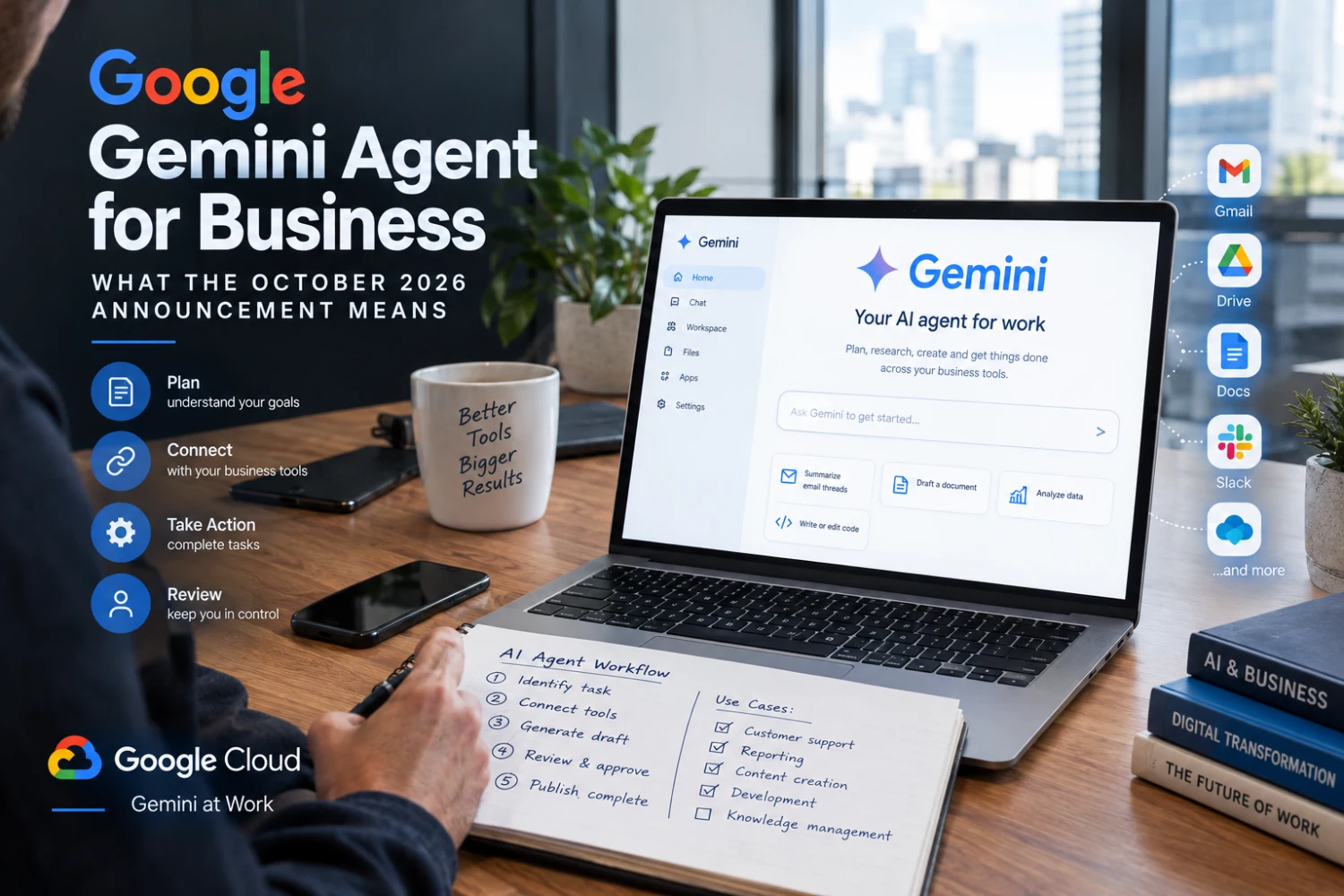
AI assistants are moving beyond answering questions. Increasingly, technology companies are developing agents that can coordinate tasks across tools and return completed work for people to review.
On October 8, 2026, Google Cloud introduced the Gemini agent, described as a universal agent for work. Google's announcement highlights a prompt-driven experience that can use business context, plan tasks, connect with systems, and produce outputs inside familiar work environments.
That is a meaningful development for companies exploring AI automation. It does not mean every small business can instantly connect every system or safely delegate every decision to AI.
Official source: Google Cloud introduces the Gemini agent.
Google describes the Gemini agent as an AI system designed to handle work spanning knowledge tasks, documents, content creation, and coding. Rather than only returning a written answer, an agent can potentially use tools and connected business systems to move a task toward completion.
Google emphasizes enterprise features such as security, administration, governance, and cost controls. Actual availability and capabilities depend on the relevant Google product, subscription, organizational setup, and rollout.
A chatbot primarily responds to messages. An agent may take a goal, plan intermediate steps, access authorized tools, and generate an output or perform approved actions.
For example, a conventional chatbot might explain how to organize customer inquiries. An integrated agent could potentially classify inquiries, prepare draft replies, and place summaries in an authorized workflow. Human review remains important, particularly when a task affects customers or business records.
An AI-assisted workflow might sort incoming requests by service type, urgency, or location, then prepare a draft response for staff approval. Businesses should avoid sending sensitive customer data to unapproved systems.
An agent could help assemble information from approved reports and documents into a draft weekly summary. Numbers should be checked against source systems before decisions are made.
Marketing teams may use agents to organize briefs, identify missing information, prepare drafts, and coordinate editorial reviews. Publishing should remain subject to fact-checking and brand standards.
Developers may use AI to help analyze code, suggest tests, or prepare changes. Security review, code review, and deployment testing are still essential.
Businesses with large collections of documents may benefit from easier retrieval and synthesis, provided permissions are respected and source material remains accessible for verification.
Start with the process, not the product announcement.
Identify a repeatable task that is time-consuming but well-defined. Map where information comes from, what systems are involved, who has authority to approve actions, and what happens when the AI makes a mistake.
A practical pilot should specify:
Before connecting any agent to email, files, CRM records, or customer data, evaluate access controls, data retention, auditability, and vendor terms. The right design may involve restricting tools, redacting sensitive information, and requiring confirmation for external actions.
AI output can be wrong even when it sounds confident. For regulated or high-stakes tasks, qualified professionals should review outputs before they are relied upon.
No. An AI agent is not a substitute for a clear website, reliable forms, accurate content, or sound data systems. Those foundations make automation easier to integrate and supervise.
For a Long Island service business, it may be more valuable to fix a broken lead form and streamline intake before exploring complex agent workflows.
Google's Gemini agent announcement signals a growing focus on AI that participates in workflows, not just conversations. The businesses that benefit most will be those that understand their processes, protect customer data, and measure results before scaling automation.
Need a stronger digital foundation first? Cheapoweb can help with custom website development, conversion-focused forms and UX, and website maintenance. Contact Cheapoweb to assess readiness for practical AI-enabled workflows.
Need a stronger digital foundation for automation? Cheapoweb can help assess your website, forms, integrations, and custom development requirements so your systems are ready for practical AI-enabled workflows.
GET A FREE PROPOSAL← Back to all articlesIn 2026, businesses are using AI agents that can perform tasks, automate workflows, and help teams work more efficiently — not just answer questions.
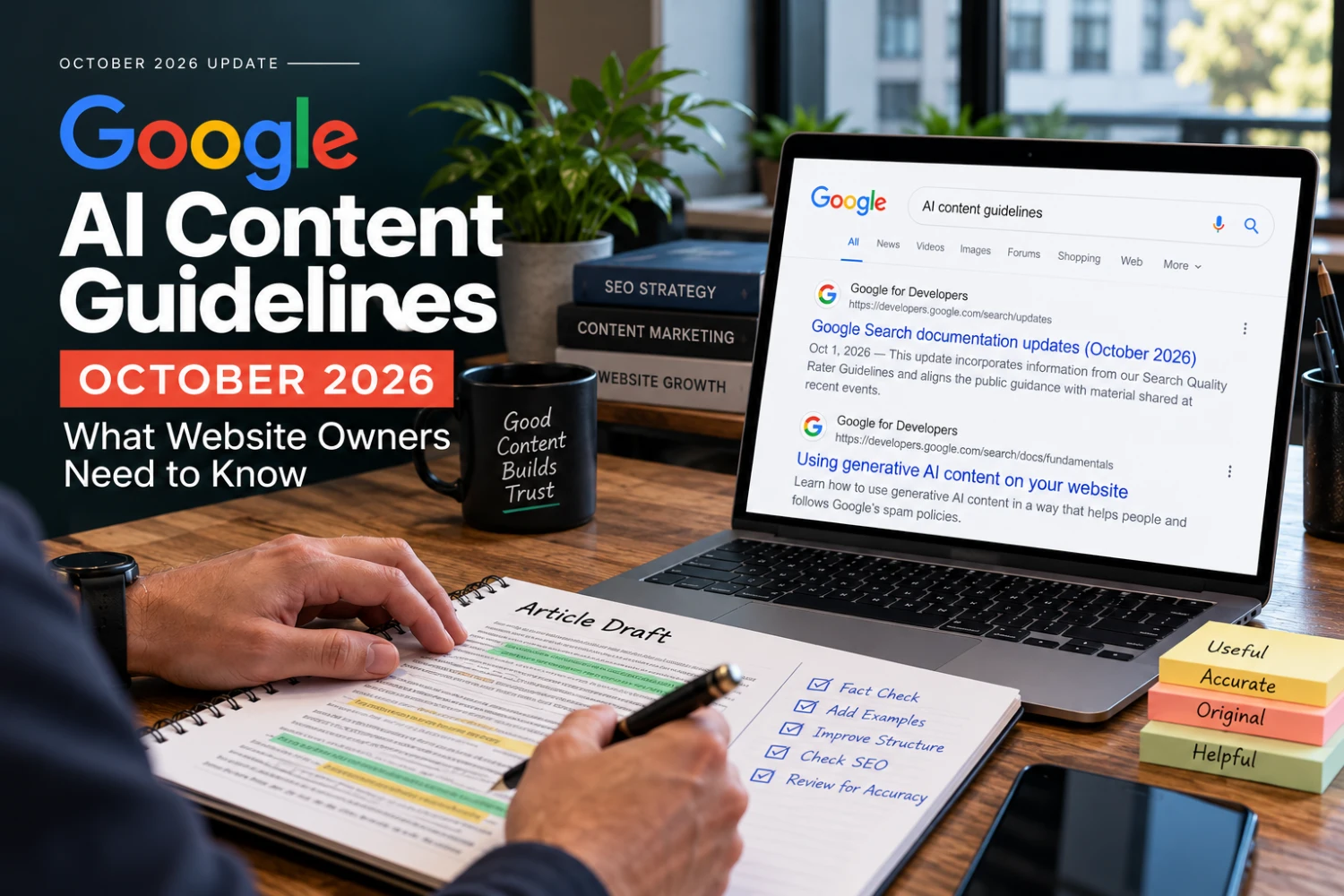
Google updated its generative AI content guidance in October 2026. Here's what changed — and how small businesses should publish useful, trustworthy content.
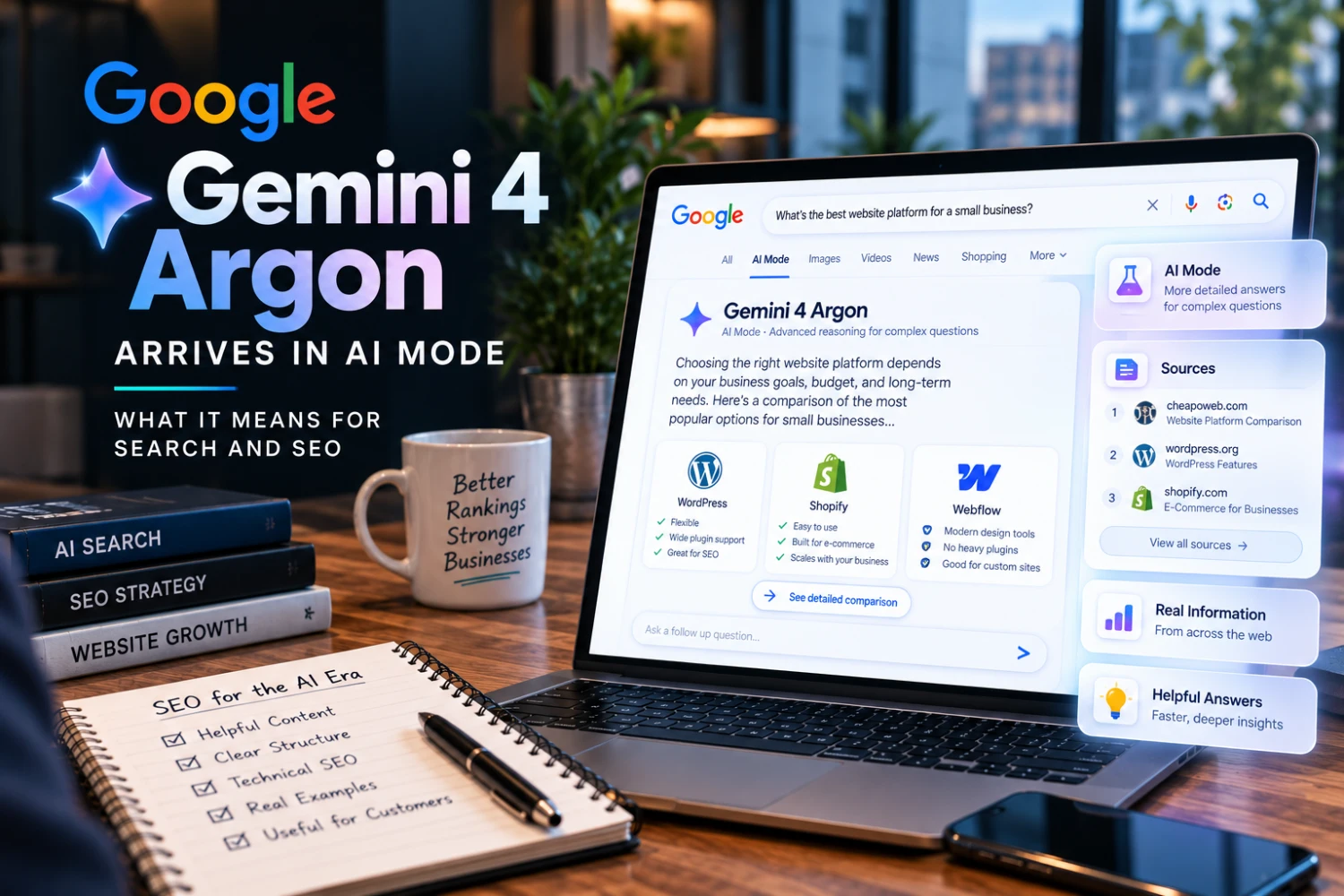
Google expanded Gemini 4 Argon access in October 2026, including AI Mode in Search for eligible subscribers. Here's what it means for SEO and business websites.
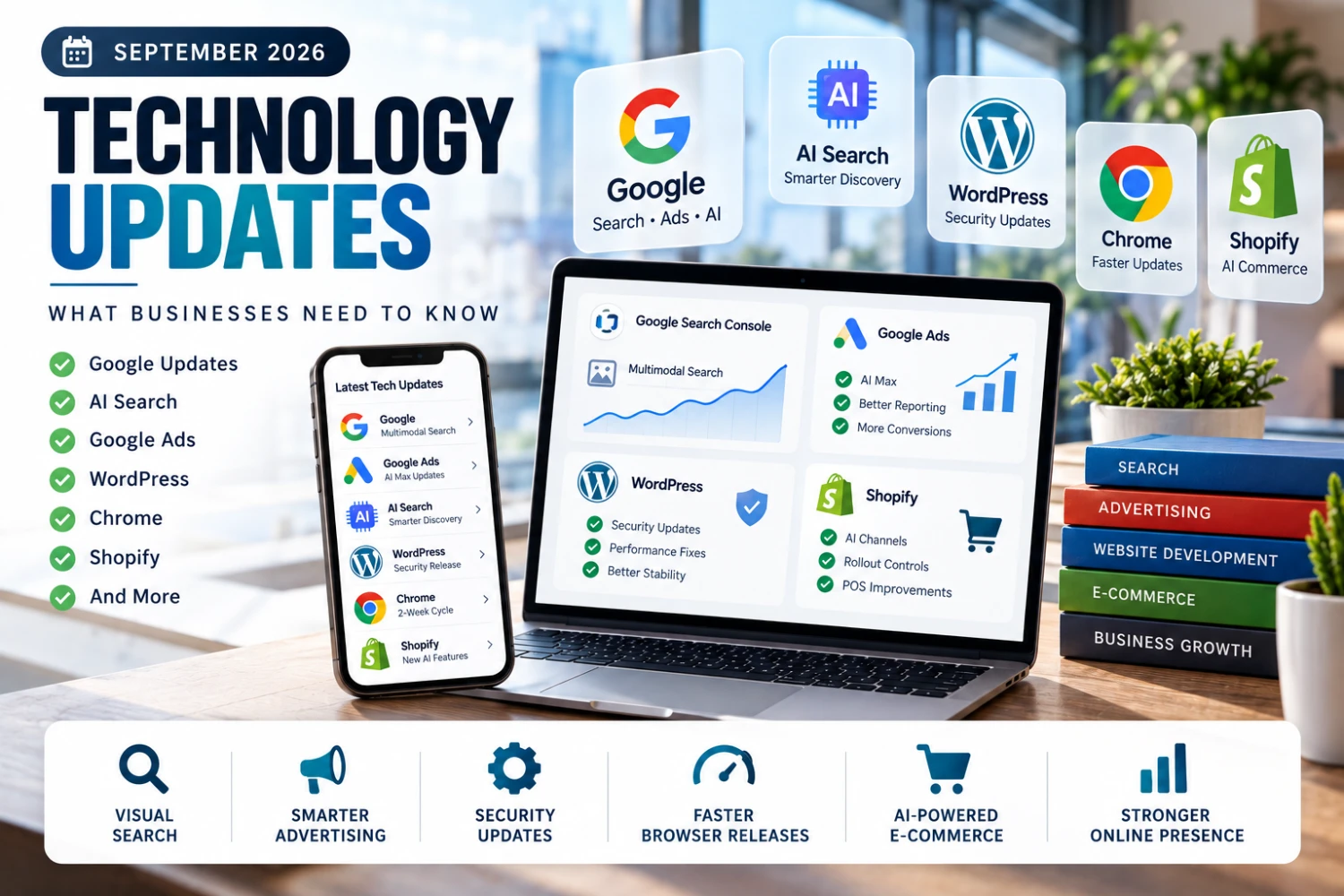
September 2026 brought major updates from Google Search Console, Google Ads, Chrome, WordPress, and Shopify — here's what business owners and marketers need to know.
GET STARTED