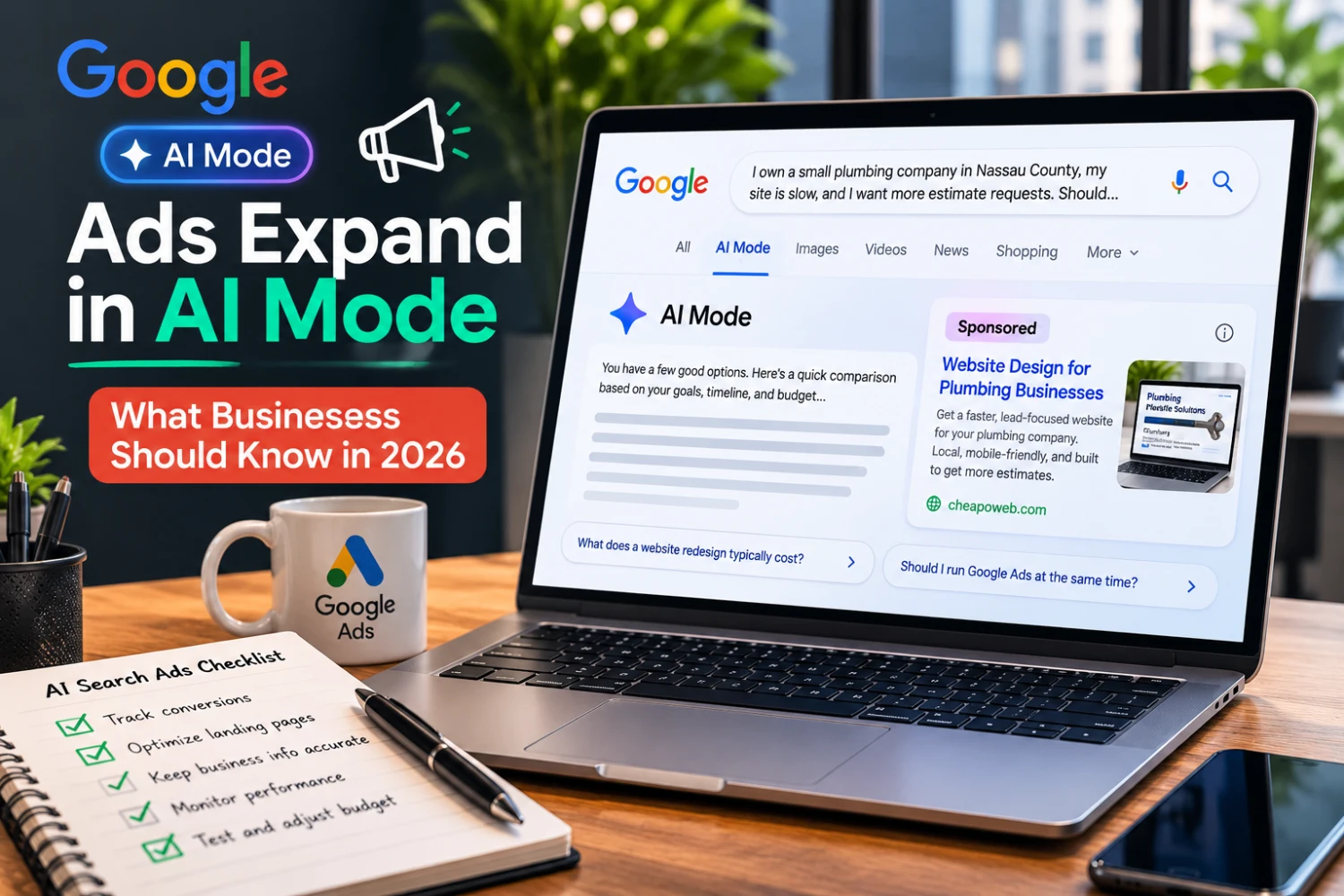
Google Expands Ads in AI Mode: What Businesses Should Know in 2026
Google expanded ads in AI Mode and launched multiturn Sponsored placements in the US. Here's what small businesses should know about landing pages, tracking, and PPC strategy.
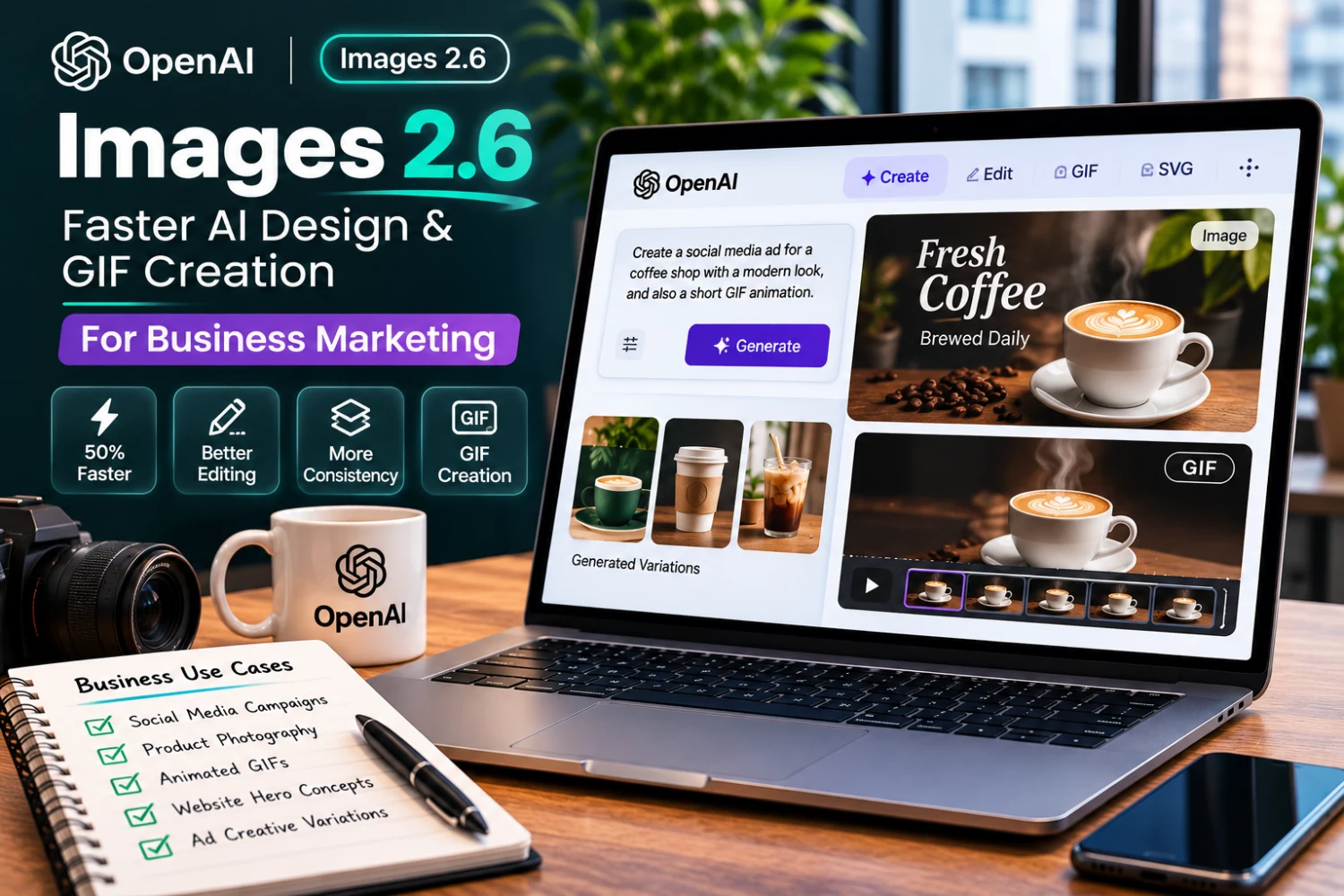
Creating a consistent set of graphics for a website, social media campaign, and online store can take time. Businesses need images that match their brand, communicate clearly, and work across multiple formats.
On November 4, 2026, OpenAI introduced Images 2.6 for ChatGPT, Codex, and its API. The release emphasizes faster image generation, more precise editing, improved consistency, and GIF creation.
For small businesses, the most important question is not whether AI can generate attractive pictures. It is whether these tools can make creative work more efficient without sacrificing accuracy, brand consistency, or trust.
Source: OpenAI, Introducing Images 2.6, November 4, 2026.
OpenAI says the release generates images 50% faster than its previous offering. The API includes two options, GPT-Image-2.6 Flare and Sunburst, designed for different speed and quality requirements.
OpenAI also highlighted:
These are vendor-reported capabilities. Quality and speed can vary with the request, configuration, and workflow.
A restaurant could explore different seasonal campaign layouts before a designer finalizes the approved artwork. A local service company could generate visual concepts for a maintenance promotion. AI can speed up ideation, but final copy, prices, contact information, and offer terms must be checked.
An online retailer could test alternative backgrounds or lifestyle compositions for a product image. The underlying product must remain accurately represented. Do not use generated imagery to imply that a product has features, materials, or performance characteristics it does not possess.
GIF creation may be useful for a simple mascot animation, campaign teaser, or instructional visual. However, excessive animation can distract visitors and increase page weight. On websites, provide appropriate alternatives for motion-sensitive users and optimize assets for performance.
AI images can help explore visual directions for landing pages, including lighting, composition, and illustration styles. Strong hero sections still require clear messaging and a visible next step.
Businesses can compare different layouts, image crops, and campaign concepts. Testing should measure relevant outcomes rather than assume that more colorful or complex visuals perform better.
A professional creative process still needs:
AI output can look polished while containing inaccurate details. This is especially important for healthcare, legal, financial, and other sensitive advertising contexts.
An image can be visually impressive and technically inefficient. Before publishing:
For many website interfaces, a lightweight static image is more appropriate than a looping GIF. Pair creative work with page speed optimization so visuals do not undermine conversions.
Images 2.6 may help businesses produce and revise visual concepts faster. The strongest marketing results will still come from clear strategy, accurate claims, consistent branding, and websites built to convert interest into action.
Explore our website redesign guide, Shopify development, and branding services, or contact Cheapoweb to plan a faster, brand-consistent site experience.
Want a modern website or e-commerce experience that combines strong branding with fast performance? Cheapoweb can help plan the design, optimize visual assets, and build pages around real customer needs.
GET A FREE PROPOSAL← Back to all articlesGoogle expanded ads in AI Mode and launched multiturn Sponsored placements in the US. Here's what small businesses should know about landing pages, tracking, and PPC strategy.
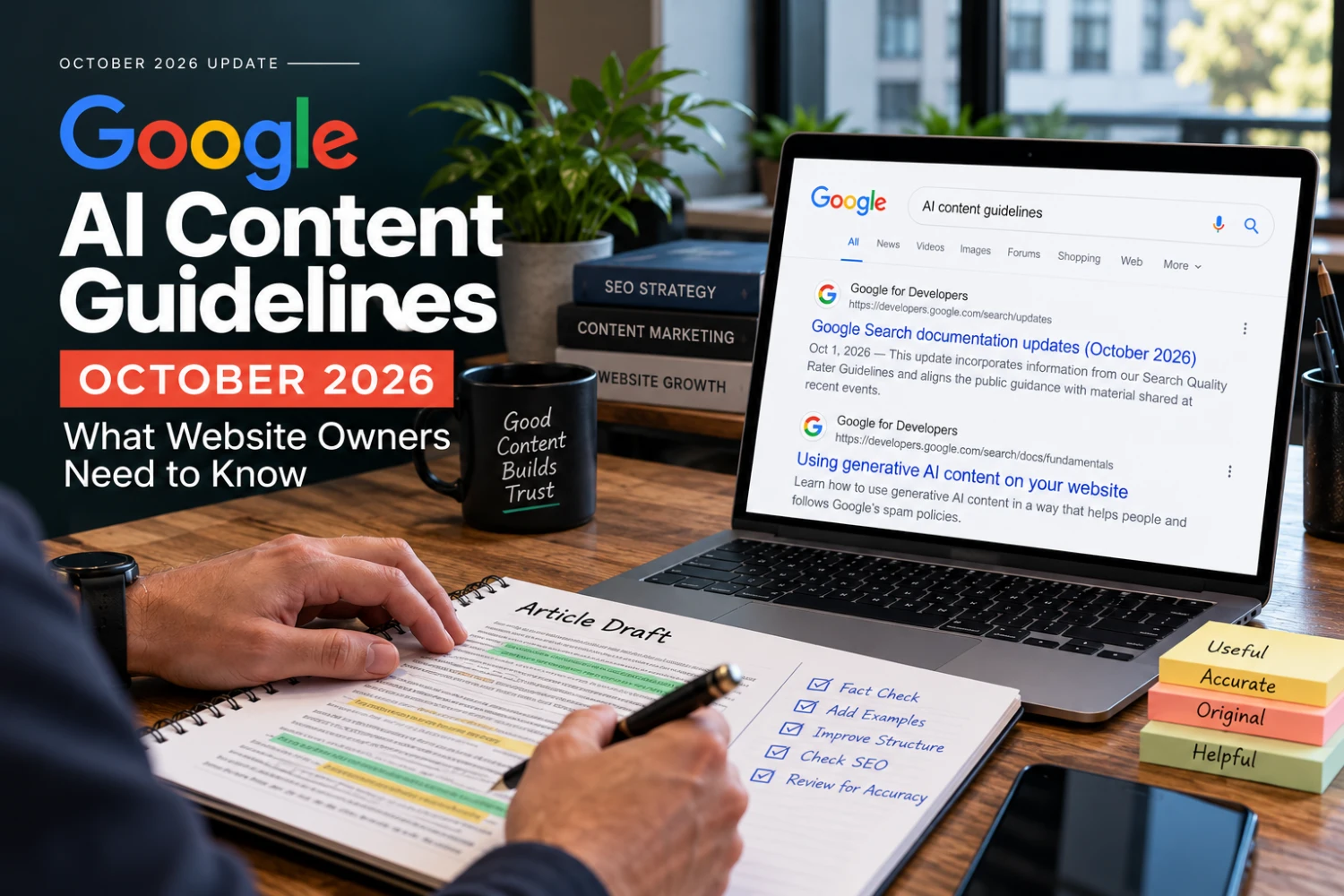
Google updated its generative AI content guidance in October 2026. Here's what changed — and how small businesses should publish useful, trustworthy content.
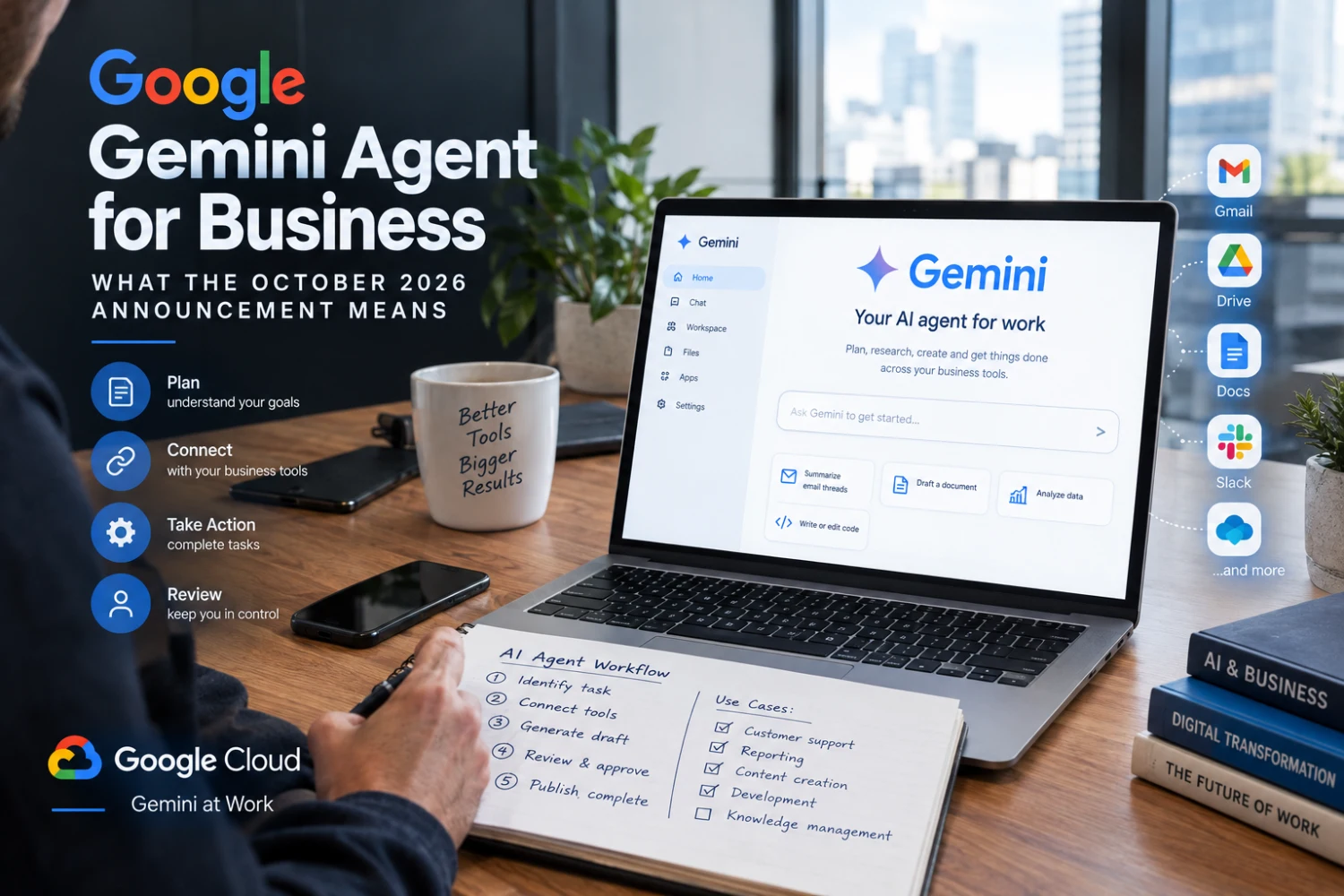
Google Cloud introduced the Gemini agent in October 2026. Here's what AI workflow automation could mean for small businesses — and what to prepare first.
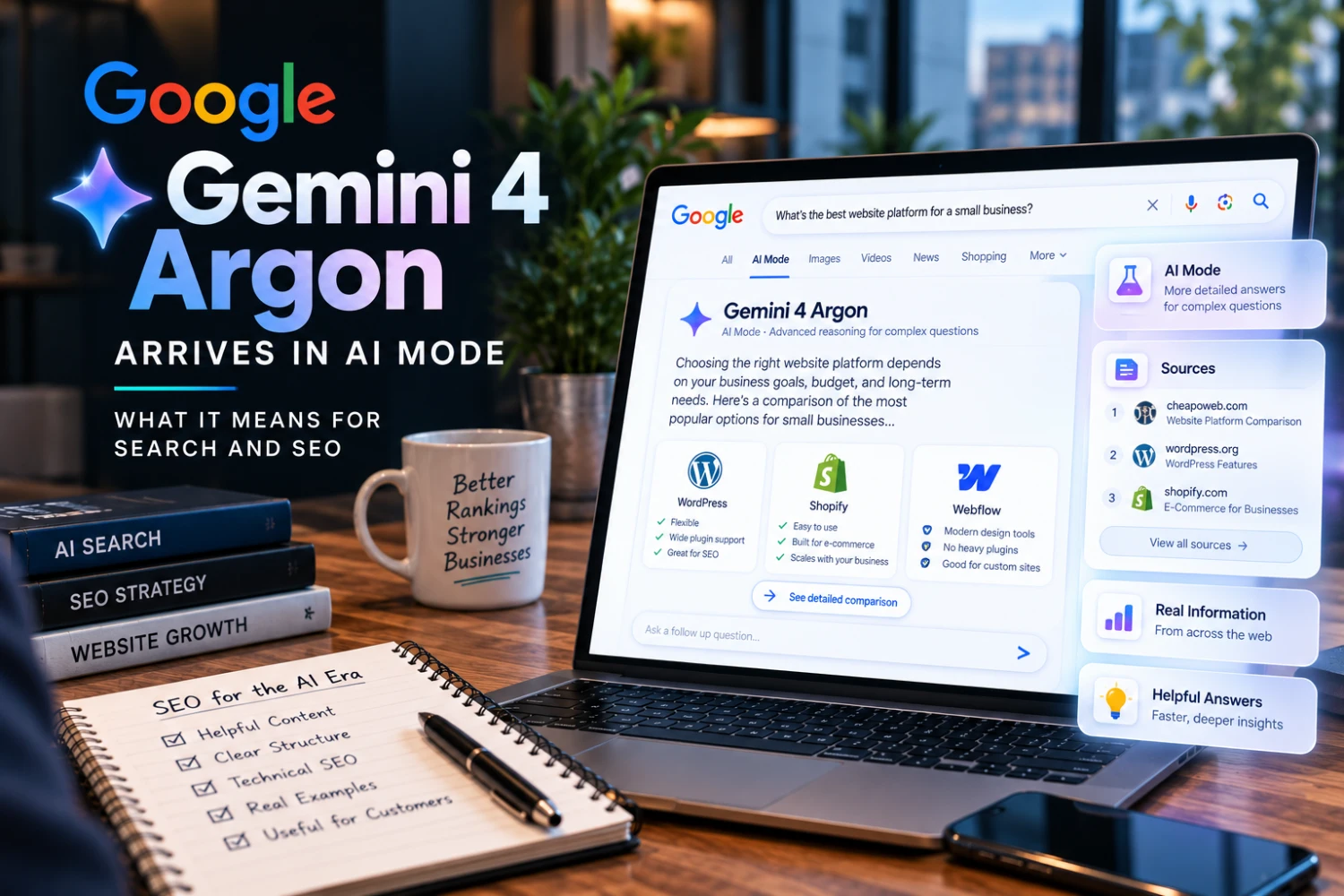
Google expanded Gemini 4 Argon access in October 2026, including AI Mode in Search for eligible subscribers. Here's what it means for SEO and business websites.
GET STARTED