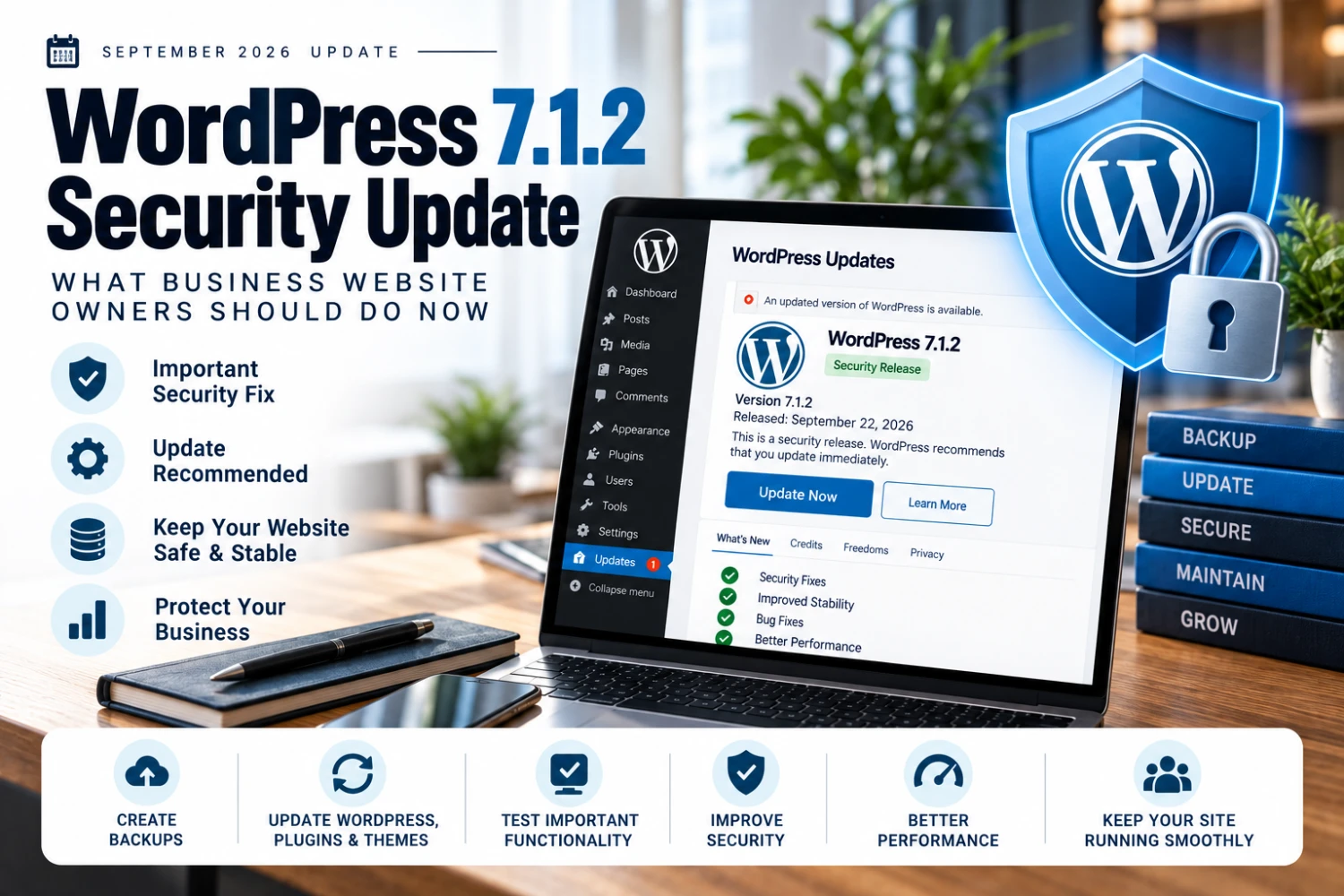
WordPress 7.1.2 Security Update: What Business Website Owners Should Do Now
WordPress 7.1.2 arrived days after 7.1.1 with another security fix — here's a practical update process for business website owners.
Read article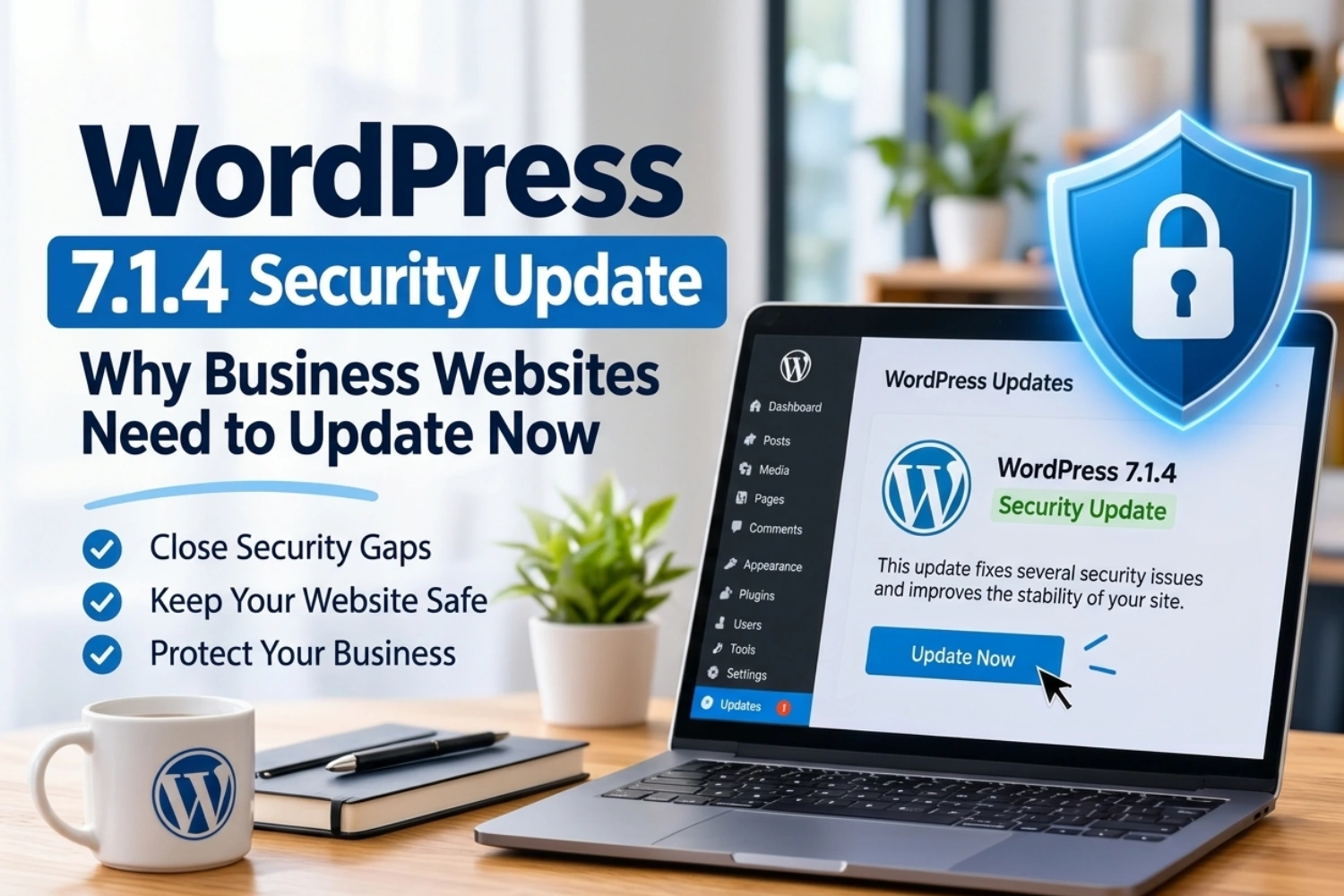
WordPress 7.1.4, released October 28, 2026, fixes XSS, upgrade security, Customizer privacy, and Interactivity API issues — here's why businesses should update now.
WordPress released version 7.1.4 on October 28, 2026, to fix several security issues that could put websites at risk. If your business uses WordPress, checking your current version should be on your to-do list.
Security updates aren't always noticeable. Your website may look and work exactly as it did before, even when older software contains weaknesses. That's why keeping WordPress updated matters, especially for websites that handle customer information, online payments, or business inquiries.
The WordPress 7.1.4 security update focuses on fixing weaknesses in the platform rather than adding new design features.
According to the official WordPress release, the update addresses several reported security problems, including:
These fixes help close known security gaps. WordPress recommends installing the update immediately.
An outdated website can create problems that go beyond technical errors.
If your website collects contact details, form submissions, or customer information, a security problem could affect the privacy of that data.
Some security weaknesses can be used to disrupt website functions. For businesses that depend on online bookings, orders, or inquiries, even a short interruption can be costly.
Visitors expect a business website to be safe. A compromised website, suspicious redirects, or unwanted content can make customers think twice about contacting your company.
Recovering a hacked website may involve removing harmful files, restoring backups, checking customer data, and repairing damaged pages. Regular updates can help prevent some of these problems before they happen.
Updating WordPress is usually straightforward, but business websites should be handled carefully.
If your website has custom features or depends on several plugins, consider testing the update on a staging website first.
Some WordPress installations receive security updates automatically. Even so, it's worth checking that the update was completed successfully.
No. The update fixes reported issues in WordPress itself, but it doesn't automatically fix problems in third-party plugins, themes, or hosting settings.
To keep your website safer, you should also:
Website security requires regular attention, not just a one-time update. Ongoing website maintenance and solid WordPress development practices make a real difference.
If you haven't checked your WordPress version recently, now is a good time.
At Cheapoweb, we help businesses manage their websites, handle updates, and deal with technical issues before they interrupt daily operations.
Whether your website needs a WordPress security update, plugin maintenance, or a general security check, our team can help you keep it running properly.
Contact Cheapoweb today to discuss your WordPress website maintenance needs.
Related reading: WordPress 7.1.2 security update and GPT-6 Cyber website security.
Whether your website needs a WordPress security update, plugin maintenance, or a general security check, Cheapoweb can help you keep it running properly. Talk to our team →
Short, direct answers to the questions readers ask most.
WordPress 7.1.4 is a security update released on October 28, 2026. It fixes several reported security issues that could affect website safety, privacy, and normal operations.
Yes. WordPress recommends installing this update to address known security weaknesses. Keeping your website updated helps reduce the risk of security problems.
Log in to your WordPress admin dashboard and go to Dashboard > Updates. You can check your installed version and see whether an update is available.
Most security updates install without major problems. However, some themes, plugins, or custom features may have compatibility issues. Back up your website before updating and test important functions afterward.
The update fixes specific security weaknesses, but it doesn't protect against every possible threat. Regular plugin updates, strong passwords, backups, and website security checks are still necessary.
Yes. Most website owners can update WordPress through the admin dashboard. If your website has custom features or handles online payments, professional help may reduce the risk of technical problems during the update.
WordPress 7.1.2 arrived days after 7.1.1 with another security fix — here's a practical update process for business website owners.
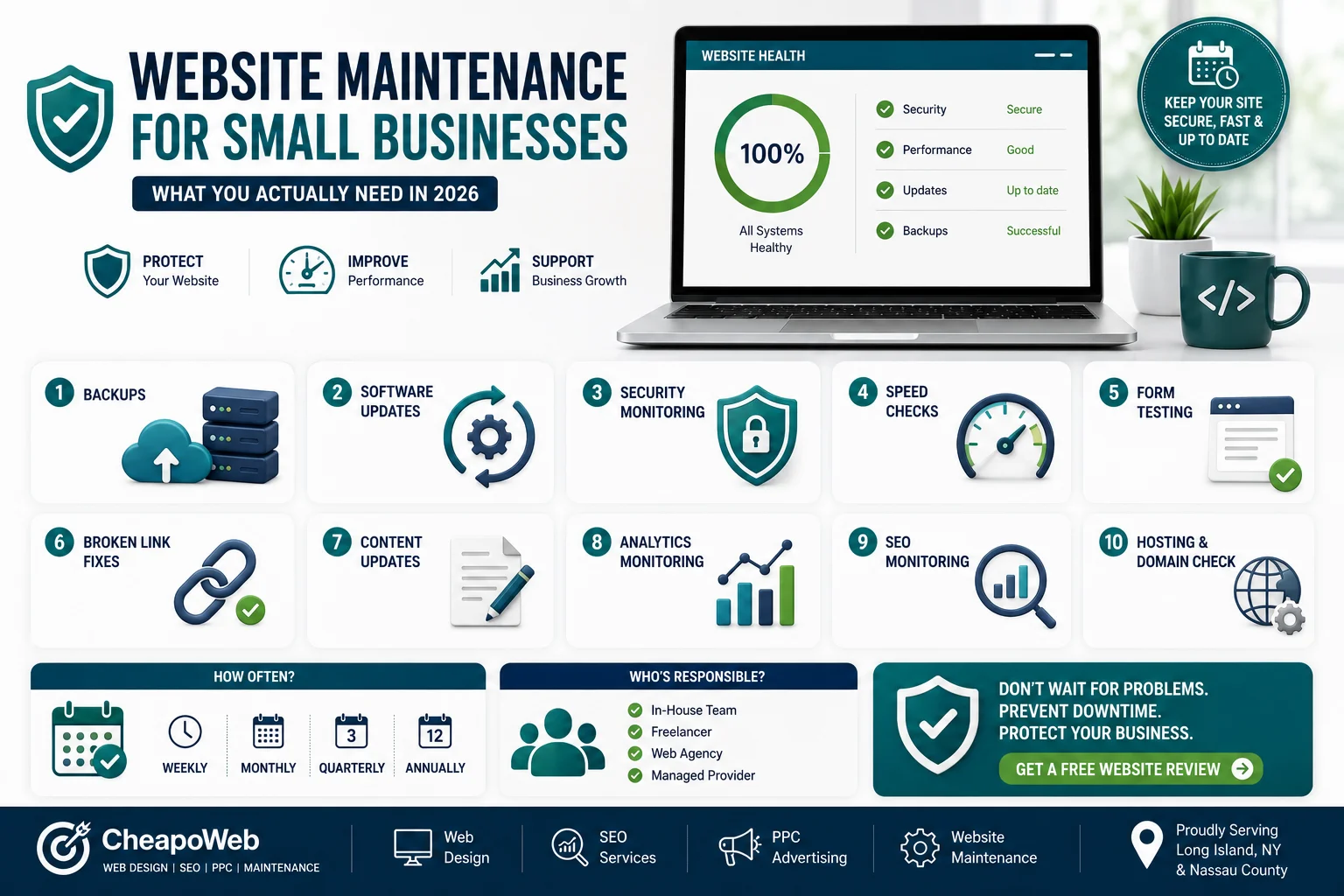
Read articleLaunching your website isn't the end of the project. Learn what small business website maintenance actually includes, why it matters, and how to choose the right support plan.
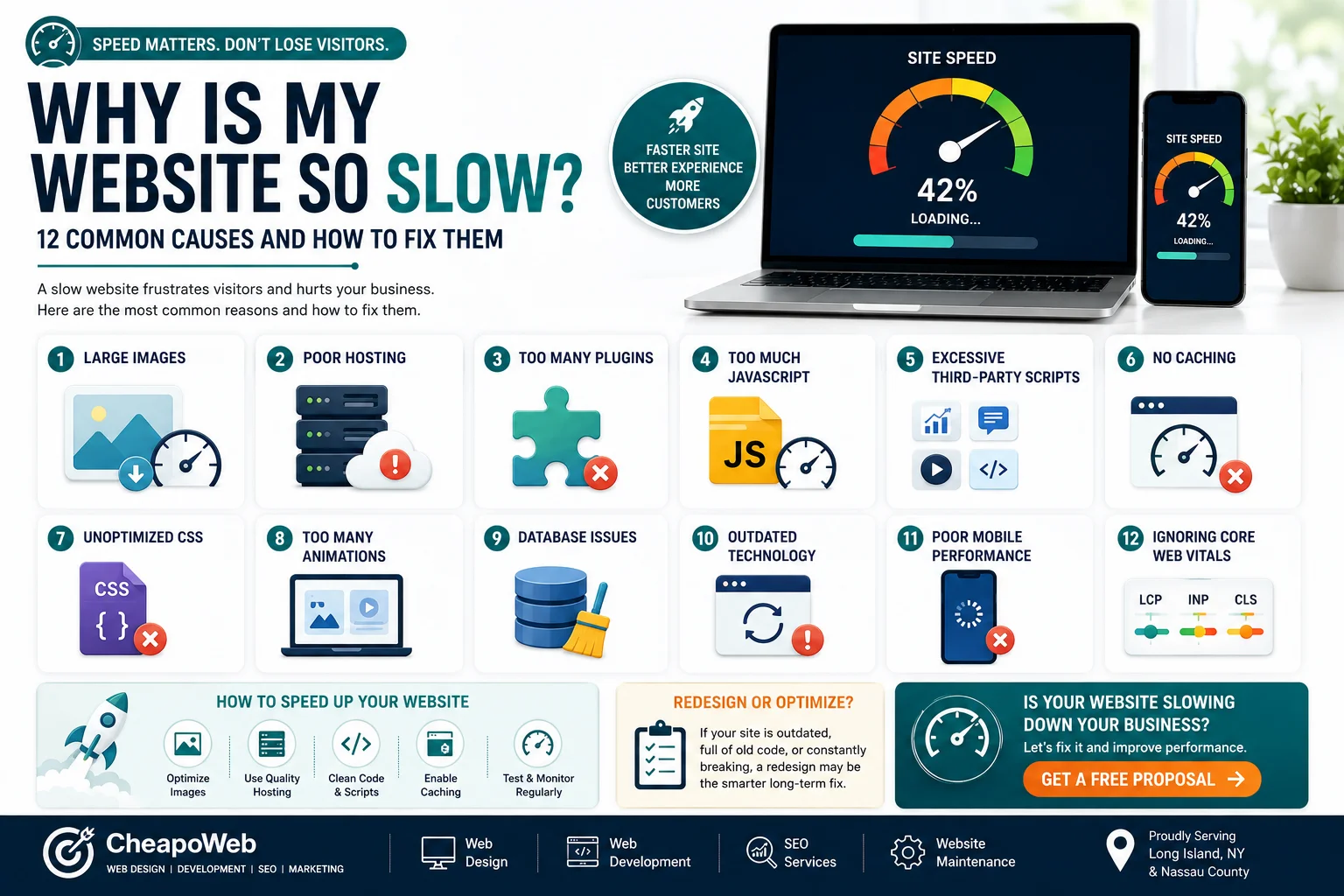
Read articleA slow website can frustrate customers before they ever learn what your business offers. Discover 12 common causes—from oversized images to outdated code—and practical ways to fix them.
Read articleFor qualified new customers, Cheapoweb offers a complimentary first-month trial for an agreed assignment. Experience our work, evaluate our professionalism, and decide whether you want to continue—with no obligation.